- Views
- 1,385
- Upvotes
- 88
- Launched
- —
What is Strawberry Browser?
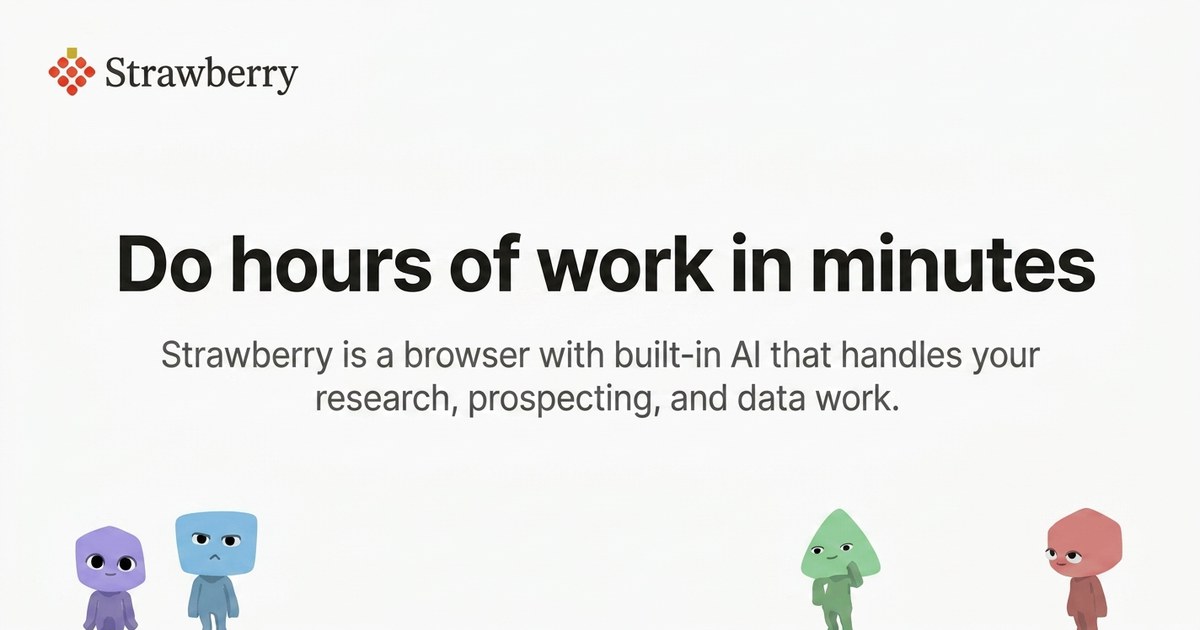
Strawberry is an AI-powered browser designed to streamline and automate various tasks associated with browsing, research, and data management. It incorporates built-in AI companions that handle tedious work, allowing users to focus on their core activities. By parsing information from websites, it dramatically reduces the time spent on research, prospecting, and data extraction.
Teams across different functions, including sales, talent acquisition, marketing, and research, utilize Strawberry to automate repetitive tasks like sourcing leads, compiling reports, and conducting competitor analysis. The browser makes it easy for users to execute complex functions by simply articulating their needs in plain language. Additionally, it supports importing data from existing browsers, ensuring a seamless transition for new users.
Beyond its powerful automation capabilities, Strawberry emphasizes user data privacy and compliance. It has built-in features to manage data securely, ensuring that sensitive information such as passwords and browsing history remains locally stored on the user's device. The browser is available for both MacOS and Windows, making it accessible to a wide range of users.
Who it's for
What Strawberry Browser can do
5 capabilities, verified from the product.
- Automates research and data extraction
- Handles lead sourcing and CRM updates
- Drafts personalized outreach messages
- Transforms repetitive operational tasks into automation
- Enables efficient candidate sourcing and logging
Jobs people hire it for
- 01Sales prospecting and lead management
- 02Talent acquisition and candidate outreach
- 03Market research and competitor analysis
- 04Data extraction from websites
- 05Operational task automation for teams
Pros & cons
Where it shines
- Built-in AI companions enhance productivity
- Easy setup and import from existing browsers
- User-friendly interface requiring no extensive training
- Focuses on automating repetitive tasks effectively
Where it falls short
- Not available on mobile platforms
- Limited to MacOS and Windows only
- May require credits for advanced features
Pricing
Free
$0
Includes 2,000 credits per month.
Intern
$20/month
Includes 8,000 credits per month.
Part-time
$100/month
Includes 30,000 credits per month.
Full-time
$250/month
Includes 75,000 credits per month.
Free plan + $20/mo Intern plan Pricing can change — always confirm on the vendor's site.
Frequently asked about Strawberry Browser
What platforms is Strawberry available on?
Strawberry is available for MacOS and Windows.
What search engine does Strawberry use?
Strawberry lets you choose among the best search engines in the world, with Google Search as the default.
How is my data handled?
All stored data such as passwords, chats, and history are kept locally on your device, and chats are not saved on their servers.
How do credits work?
Regular browsing doesn't use credits, but chatting with companions or their browsing does. The free version includes 2,000 credits monthly.
Ready to try Strawberry Browser?
1,385 people checked it out on the directory — see it in action on the official site.
Keep exploring
Similar tools in Productivity & Agents
 Productivity & Agents
Zapier Agents
No-code AI agents that work across 7,000+ apps — automation that thinks.
 Productivity & Agents
Reclaim AI
An AI calendar that defends your focus time and schedules your tasks automatically.
 Productivity & Agents
Maestro Labs
AI tools for Outlook, Teams & Office, enhancing productivity in Microsoft 365.
 Productivity & Agents
Studyable
AI-powered study app offering instant homework help and flash cards.