
SlidesAI
Instantly create stunning presentations with AI for Google Slides and PowerPoint.
What is SlidesAI?
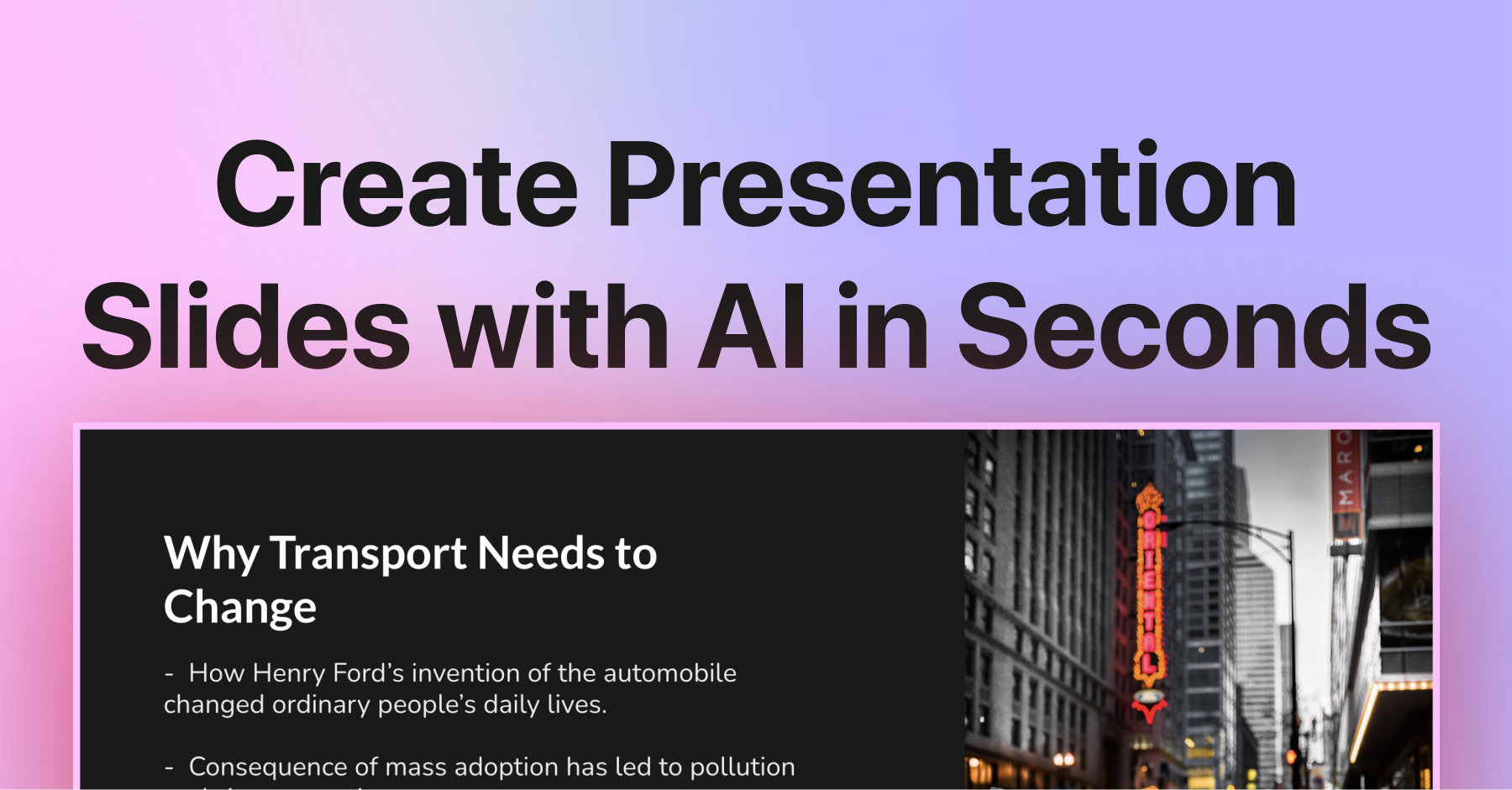
SlidesAI is a cutting-edge AI-driven presentation maker designed to revolutionize the way individuals and organizations create presentations. Catering to educators, students, and professionals, the tool solves the often time-consuming task of crafting presentation slides by harnessing the capabilities of artificial intelligence. By allowing users to transform plain text or ideas into visually appealing slides almost instantly, it eliminates the typical barriers associated with design skills, time constraints, and content generation. This efficiency is increasingly valuable in today's fast-paced environments where clear and engaging communication is paramount.
The core workflow of SlidesAI begins with its seamless integration with Google Slides and Microsoft PowerPoint. Users install the SlidesAI plugin from the respective marketplaces, enabling them to create new presentations or enhance existing ones directly within their preferred platform. Starting the process is simple: one enters a topic or pastes notes, and the AI swings into action by generating organized slide content and professional layouts in just seconds. The tool offers customization options, enabling users to choose templates, tweak layouts, adjust content, and refine visuals to align with their specific presentation needs.
SlidesAI boasts several standout capabilities that set it apart from other presentation tools. With support for over 100 languages, including major languages like English, Spanish, French, Italian, Japanese, and Russian, it caters to a diverse global audience. The tool offers more than 150 professional templates, allowing for easy customization, which includes changing themes, layouts, and inserting stock images. Users can choose from an array of features such as generating visuals using AI, refining text for tone and clarity, and adding subtitles to enhance presentations further. The work done within SlidesAI is designed to remain compatible with Google Slides and PowerPoint, ensuring that exported presentations maintain their formatting without any hiccups.
SlidesAI finds its core audience among educators who need to create lessons quickly, professionals looking to streamline their presentation workflow, and students aiming for effective project presentations. Typical scenarios for leveraging SlidesAI include transforming lecture notes into interactive lesson slides, creating polished project presentations from scratch, or even crafting compelling pitches for business proposals with minimal effort. As stakeholders in various sectors increasingly seek efficiency and impact in communication, SlidesAI empowers them to deliver presentations that engage their audiences without sacrificing clarity or depth.
In the landscape of AI-driven presentation tools, SlidesAI positions itself as one of the leaders due to its straightforward design, ease of use, and comprehensive feature set. While some tools focus narrowly on writing or design aspects, SlidesAI integrates these elements into a singular workflow that prioritizes user experience across various platforms. The ability to use ChatGPT for generating content further elevates its functionality by allowing users to easily create a narrative that fits their intended message and style.
However, like any tool, SlidesAI has its limitations. Users on the free plan experience restrictions in terms of the number of presentations they can create each month, and higher-tiered options may need to be considered for more extensive usage. While its AI capabilities do streamline the initial creation of presentations, users may still need to invest time in refining the generated content and ensuring that it aligns perfectly with their vision. Some users may find that extensive customization can lead to a steeper learning curve if they seek a specific design nuance not immediately reflected in the templates or AI suggestions. There's also the matter of reliance on internet access for using the online tool, which may hinder usability in offline environments or scenarios where connectivity is unreliable.
Who it's for
Works with
What SlidesAI can do
8 capabilities, verified from the product.
- Seamless integration with Google Slides
- Native PowerPoint integration
- Supports over 100 languages
- 150+ customizable professional templates
- Automatic generation of slide content from prompts
- AI-generated visuals for presentations
- Fully customizable layouts and themes
- Export presentations in PPTX format
Jobs people hire it for
- 01Transform lecture notes into engaging presentation slides
- 02Create polished project presentations from intended subject matter
- 03Design business pitches and proposals quickly
- 04Convert lesson plans into visually appealing formats
- 05Generate teaching aids and presentations for student engagement
Pros & cons
Where it shines
- Highly intuitive and simple to use, requiring no prior design skills.
- Fast generation of slides saves valuable time for users.
- Seamlessly integrates with familiar tools like Google Slides and PowerPoint.
- Supports a wide range of languages, making it accessible globally.
Where it falls short
- Free users face limitations on the number of presentations they can create per month.
- Extensive customization may require a learning curve for optimal results.
- Dependence on internet connectivity could hinder use in offline settings.
- Generated content may need manual fine-tuning to align perfectly with user expectations.
Pricing
Basic
$0/month
Good enough to get started with some limitations.
Pro
$10.00/month
Perfect plan for students with additional features.
Premium
$20.83/month
For educators and professionals with unlimited presentations.
Free tier available; paid options start at $10/month. Pricing can change — always confirm on the vendor's site.
Frequently asked about SlidesAI
Do I need to have a Google Workspace Account to use SlidesAI?
No, you do not need a Google Workspace account to use SlidesAI. A regular Gmail account is sufficient to install and run SlidesAI from the Google Workspace Marketplace.
How do I run it from Google Slides?
After installing SlidesAI from the Google Workspace Marketplace, you can run it by clicking on Extensions > SlidesAI.io > Generate Slides to start creating presentations.
Can ChatGPT make PowerPoint Slides?
Yes, with SlidesAI's ChatGPT integration, you can generate PowerPoint slides automatically from your prompts. Simply describe your topic along with any preferences, and the AI will create a presentation for you.
What is an AI-generated presentation?
An AI-generated presentation refers to a slide deck created automatically by AI tools like SlidesAI. Users provide a topic or text, and the AI handles the layout, content writing, and image selection to produce a completed presentation.
What is the prompt for PPT in ChatGPT?
To create a PowerPoint presentation using SlidesAI, you can use prompts such as 'Create a 10-slide PowerPoint presentation on renewable energy for high school students.' The AI will generate the rest.
How can I cancel my subscription?
You can cancel your subscription at any time by visiting the 'Your Account' tab within the app. This process is straightforward, and users can follow the provided guide for assistance.
Can I create an AI slides presentation without logging in or installing the addon?
Most AI presentation tools require installation to save your work. However, once you install the SlidesAI add-on, it provides a simple and seamless experience for generating presentations.
Why should I use SlidesAI presentation maker?
SlidesAI saves time by ensuring professional design and helping users overcome writer's block. Its user-friendly interface and direct integration with Google Slides and PowerPoint make it an ideal tool for creating engaging and effective presentations.
Ready to try SlidesAI?
2,084 people checked it out on the directory — see it in action on the official site.
Keep exploring
Similar tools in Productivity & Agents
 Productivity & Agents
Zapier Agents
No-code AI agents that work across 7,000+ apps — automation that thinks.
 Productivity & Agents
Reclaim AI
An AI calendar that defends your focus time and schedules your tasks automatically.
 Productivity & Agents
Maestro Labs
AI tools for Outlook, Teams & Office, enhancing productivity in Microsoft 365.
 Productivity & Agents
Studyable
AI-powered study app offering instant homework help and flash cards.