
- Views
- 2,249
- Upvotes
- 140
- Launched
- —
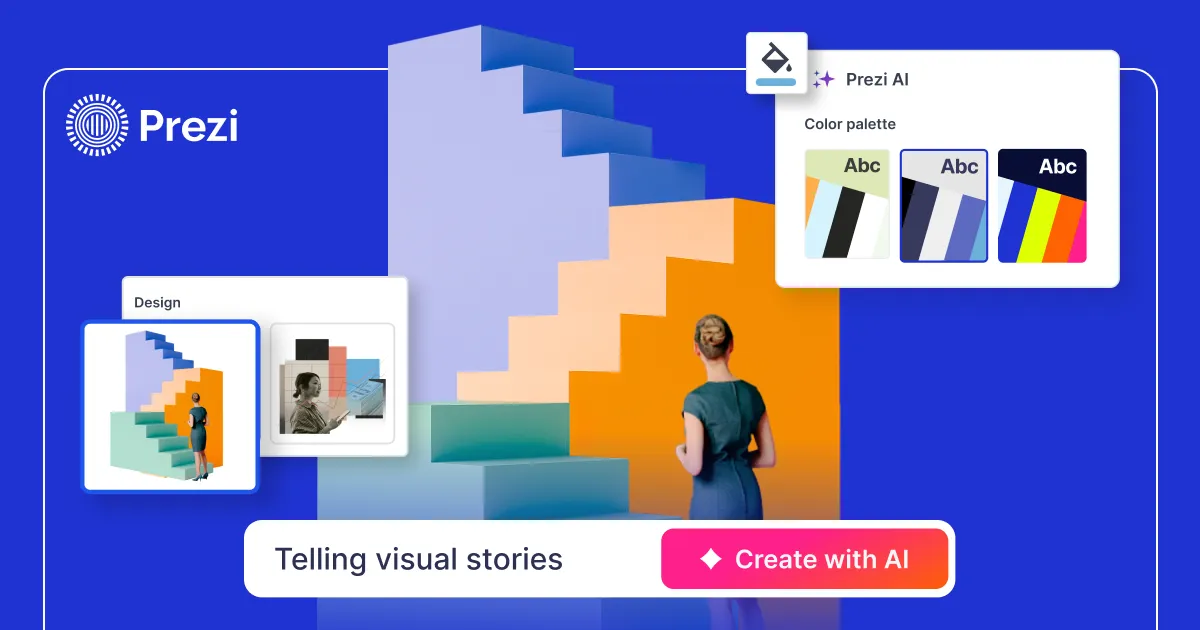
What is Prezi?
Prezi offers an innovative AI-driven presentation tool that redefines how users create and deliver presentations. By leveraging advanced AI technology, Prezi allows users to generate polished presentations swiftly, without needing extensive design skills. This platform effectively addresses common challenges in presentation creation, such as the time-consuming process of designing slides and ensuring visual appeal. By simply describing what they need or importing existing documents, users can quickly produce engaging presentations that stand out.
The core workflow of Prezi revolves around user-friendly interactions with its AI. Users can start by providing a prompt or uploading files, such as PPTX, PDF, or DOCX. Prezi AI then harnesses its training on over 500 million real presentations to generate presentations tailored to the user's content and style. This significantly reduces the time spent on creating presentations, allowing users to focus more on their message rather than formatting. Furthermore, users can refine their presentations interactively by conversing with the AI, requesting specific changes or adjustments without facing a steep learning curve.
One of the standout features of Prezi is its capacity for customization. Users can upload brand guidelines, colors, and assets, ensuring that every presentation reflects their unique identity. Prezi AI also generates presentations from scratch based on the user's content while ensuring that it maintains a consistent style throughout the slides. This personalized approach, combined with the AI's ability to provide suggestions for layout, visuals, and pacing, allows users to create presentations that look professionally designed.
Prezi is suitable for a wide audience, including educators, business professionals, marketers, and trainers. For instance, educators can create engaging lesson plans, while professionals can develop compelling pitch decks and training modules. The platform's collaborative features also make it ideal for teams working together to refine presentations, ensuring alignment on messaging and visual style. Through its structured approach to presentation design, Prezi enables users to focus on delivering their messages effectively.
In a crowded marketplace of presentation tools, Prezi sets itself apart through the combination of AI capabilities and a unique visual style that emphasizes dynamic styles over traditional slide formats. Unlike many conventional tools that require users to assemble presentations from scratch, Prezi allows for a more integrated and seamless approach, reducing the need for extensive editing. This differentiation positions Prezi as a powerful solution for anyone needing swift, visually captivating presentations.
Despite its strengths, potential users should be aware of a few limitations. While Prezi is designed to be user-friendly and efficient, users might require some trial and error to master how to communicate their prompts effectively. Also, while there are free options, users seeking premium features or unlimited access might face subscription costs. Collaborative features, while robust, may require team-level subscription plans for optimal use.
Who it's for
What Prezi can do
8 capabilities, verified from the product.
- AI-generated presentations in seconds
- Supports file uploads: PPTX, PDF, DOCX
- Custom brand integration for all slides
- Interactive refinement through chat
- Multiple presentation formats: Zoom or slides
- Collaboration features for team editing
- Export options: download, Present, or share link
- Built-in privacy controls and security features
Jobs people hire it for
- 01Create interactive presentations from prompts or documents
- 02Transform existing PowerPoint decks into dynamic Prezi format
- 03Develop engaging pitch decks for sales presentations
- 04Craft educational materials for teachers and students
- 05Collaborate on team presentations to ensure alignment
Pros & cons
Where it shines
- Quick generation of tailored presentations using AI
- User-friendly platform, no design experience needed
- Interactive editing via conversational prompts
- Strong emphasis on brand consistency across presentations
- Robust collaboration features for teams
Where it falls short
- Free tier may have limited features; consider upgrading for full use
- Users may need practice to craft effective prompts
- Some complex design features may still require manual adjustments
Pricing
Free
Free
Basic features including presentation generation and limited storage.
Paid
Custom
Full access to advanced features with no limitations.
Free with optional paid subscription Pricing can change — always confirm on the vendor's site.
Frequently asked about Prezi
Can I create a Prezi presentation from my PowerPoint slides?
Yes. Prezi allows users to transform their existing PowerPoint slides into dynamic Prezi formats by simply uploading the PowerPoint deck. This feature also extends to files from Google Slides or Keynote, with the requirement of exporting them as PDFs first.
What is Prezi’s AI presentation maker?
Prezi AI is an advanced tool that lets users create a complete and polished presentation from a simple prompt or by uploading existing files like PDFs, PPTs, or DOCs. Upon providing the content, users can choose specific design styles and Prezi AI generates a ready-to-present deck tailored to the user's specifications.
How does Prezi's AI presentation designer work?
The AI presentation designer operates by taking a user's prompt or uploaded document and generating a fully designed presentation. Users can select from various AI designers based on their preferred style. After the deck is created, users have the flexibility to refine it interactively through chat.
Can Prezi create a PowerPoint (PPT) with AI?
Yes, Prezi AI can quickly draft presentations that can then be exported or shared as PowerPoint files, accommodating various team workflows.
How is Prezi different from other AI presentation generators?
Prezi distinguishes itself by providing fully designed presentations right from the start, rather than just an outline to fill in. Users can interactively refine the generated presentation through natural language requests, making the process more intuitive and efficient.
What types of presentations can I create with Prezi AI?
Prezi AI is capable of supporting a diverse range of presentations, including those for work, school, and personal projects, making it suitable for pitch decks, reports, lessons, or casual presentations.
Is Prezi AI suitable for beginners who are new to presentation design?
Absolutely. Prezi AI is designed to assist beginners in generating high-quality, visually appealing decks quickly. The user-friendly interface and interactive refinement process make it accessible even for those with minimal presentation design experience.
Does Prezi AI help with slide structure and talking points?
Yes, the moment a user uploads content or provides a prompt, Prezi AI automatically organizes the slide structure. Users can further refine the flow and talking points through conversational requests in the app.
Ready to try Prezi?
2,249 people checked it out on the directory — see it in action on the official site.
Keep exploring
Similar tools in Productivity & Agents
 Productivity & Agents
Zapier Agents
No-code AI agents that work across 7,000+ apps — automation that thinks.
 Productivity & Agents
Reclaim AI
An AI calendar that defends your focus time and schedules your tasks automatically.
 Productivity & Agents
Maestro Labs
AI tools for Outlook, Teams & Office, enhancing productivity in Microsoft 365.
 Productivity & Agents
Studyable
AI-powered study app offering instant homework help and flash cards.