
PDF Candy
Free online PDF toolkit for editing, converting, and managing PDF files.
- Views
- 1,232
- Upvotes
- 142
- Launched
- —
What is PDF Candy?
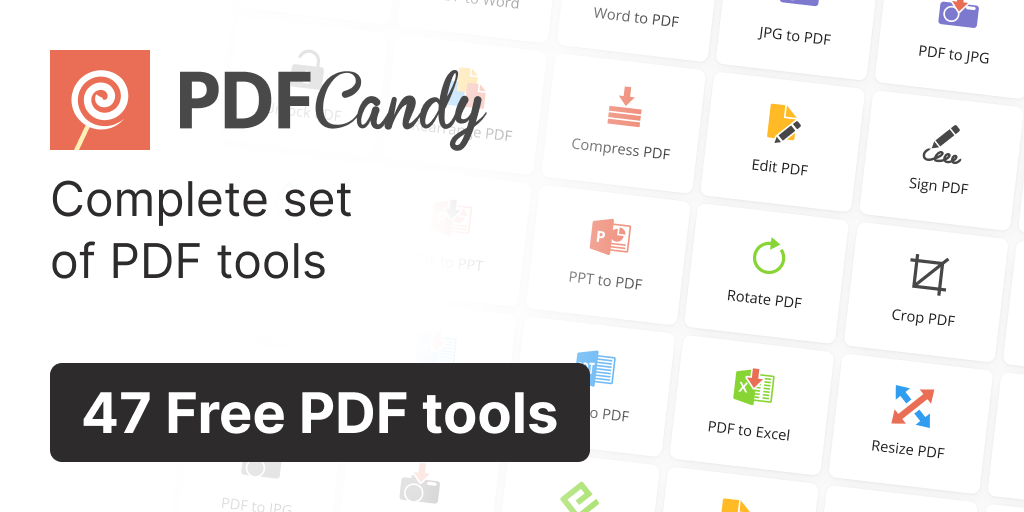
PDF Candy offers over 90 online tools to process PDF files, making it a comprehensive resource for users needing to edit, convert, and manage PDFs. Users can perform actions such as editing text, adding images, and signing PDF documents with ease. The platform is designed to facilitate various PDF manipulations while maintaining user-friendliness.
The service supports a wide array of conversion options, including PDF to Word, JPG to PDF, and Excel to PDF, among others. It also features capabilities to compress, merge, split, and unlock PDF files, ensuring flexibility based on user requirements. Additionally, PDF Candy includes advanced functionalities such as OCR for scanned documents and a summarization tool for quick insights.
PDF Candy is available on the web, providing accessibility across devices without installation. The platform emphasizes privacy by keeping uploaded files on its servers for no longer than two hours and complies with GDPR regulations. Users can opt for different subscription plans to access premium features with higher processing limits and priority service.
Who it's for
What PDF Candy can do
8 capabilities, verified from the product.
- Edit PDF documents
- Convert PDF to various formats
- Compress PDF files
- Merge and split PDF documents
- Apply OCR to scanned documents
- Summarize PDF content
- Translate PDF text
- Sign PDF documents
Jobs people hire it for
- 01Convert PDF files to Word and Excel
- 02Compress large PDF documents for easier sharing
- 03Edit text and images in existing PDF files
- 04Merge multiple PDFs into a single document
- 05Extract text and images from PDFs
Pros & cons
Where it shines
- Comprehensive suite of over 90 PDF tools
- User-friendly interface for various tasks
- Supports a wide range of file formats
- Strong privacy protection measures
Where it falls short
- Advanced features may require a subscription
- Some tools may have limits on file sizes in the free version
Pricing
Web Monthly
$6/month
Access to all PDF tools with no hourly limits.
Desktop + Web Yearly
$4/month
Includes web and desktop access with increased file size limits.
Desktop + Web Lifetime
$99
One-time payment for lifetime access to all features.
Free tier + paid plans starting at $6/mo Pricing can change — always confirm on the vendor's site.
Frequently asked about PDF Candy
What types of conversions does PDF Candy support?
PDF Candy supports conversions including PDF to Word, JPG to PDF, and Excel to PDF, among many others.
Is there a free version of PDF Candy?
Yes, PDF Candy offers a free version with access to many PDF tools, but some features are limited compared to the paid plans.
What privacy measures does PDF Candy have?
PDF Candy processes uploaded files for no longer than two hours and complies with GDPR regulations to protect user privacy.
Can I access PDF Candy on mobile devices?
PDF Candy is a web-based service and can be accessed from any device with a browser, including mobile devices.
Ready to try PDF Candy?
1,232 people checked it out on the directory — see it in action on the official site.
Keep exploring
Similar tools in Productivity & Agents
 Productivity & Agents
Zapier Agents
No-code AI agents that work across 7,000+ apps — automation that thinks.
 Productivity & Agents
Reclaim AI
An AI calendar that defends your focus time and schedules your tasks automatically.
 Productivity & Agents
Maestro Labs
AI tools for Outlook, Teams & Office, enhancing productivity in Microsoft 365.
 Productivity & Agents
Studyable
AI-powered study app offering instant homework help and flash cards.