
- Views
- 2,169
- Upvotes
- 153
- Launched
- —
What is MaxAI?
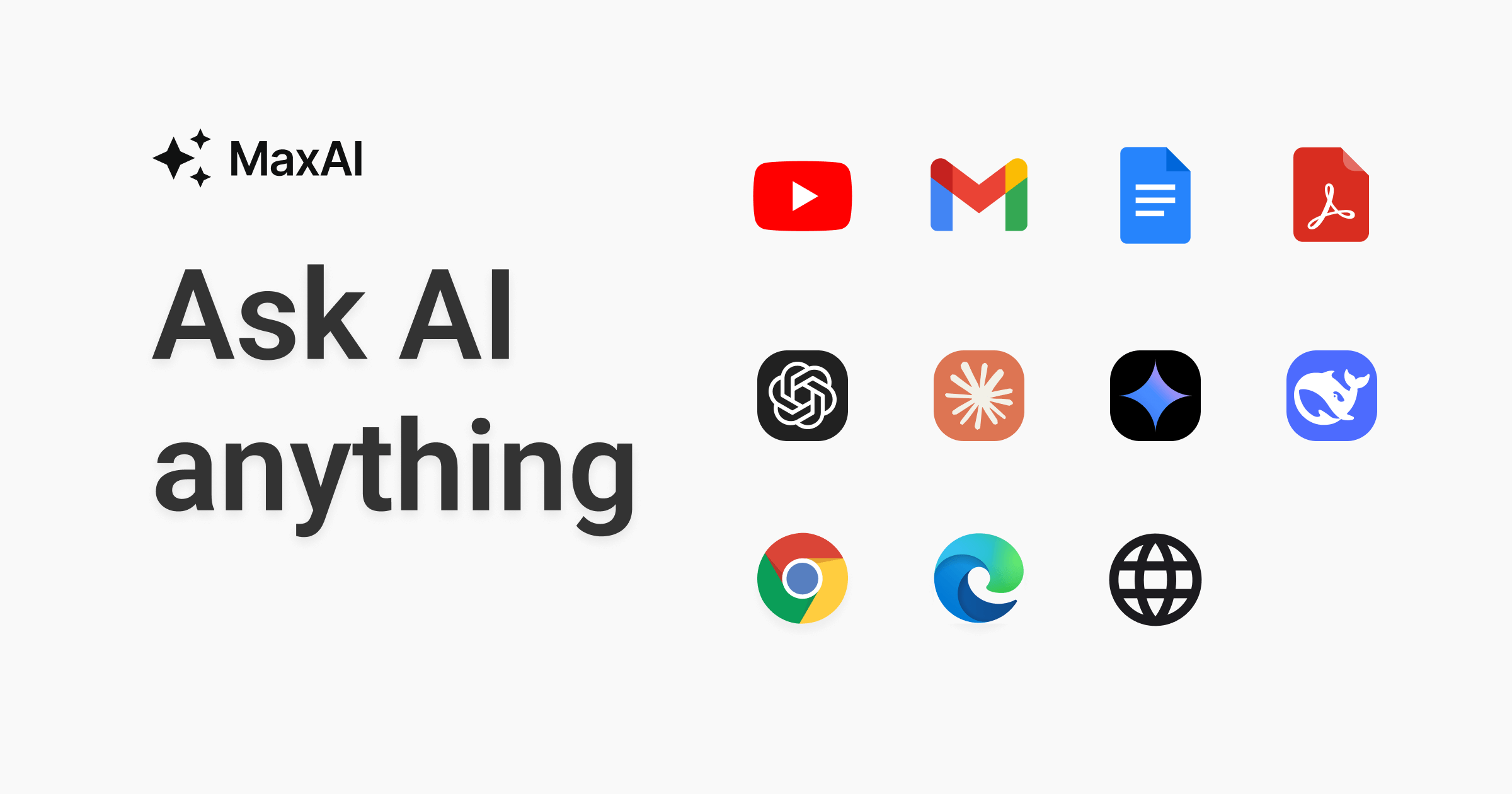
MaxAI is an AI-powered browser extension designed to enhance productivity by facilitating interaction with content on web pages. It addresses a common challenge in the digital age: the overwhelming amount of information available online, which can be time-consuming and daunting to process. Users can engage dynamically with any webpage—summarizing content, exploring topics, and generating text with ease. By leveraging advanced AI models like GPT-4o and Claude-3.5, it aims to streamline the tasks of reading, writing, and researching, ultimately saving users significant amounts of time each day.
The core workflow of MaxAI is straightforward yet powerful. After installing the extension to your browser, users can easily sign in with either a Google account or an email, ensuring a smooth entry into the platform. Once activated, users can access a variety of features simply by selecting text or invoking the tool through an intuitive interface. This interaction allows for a range of functionalities including summarization of web pages, analysis of PDF documents, translation of content, and enhanced writing assistance—all designed to provide instant insights and better understanding without disrupting one’s workflow.
Among its standout capabilities, MaxAI offers the ability to summarize not only standard webpages but also complex content types like YouTube videos, emails, and PDF documents. Users can ask questions related to the material they are reviewing, obtaining clear answers through AI interaction. Additionally, it provides translation services for web pages in numerous languages with just a click, making it easier to cross language barriers. The tool also excels in its ability to analyze images for text and solve math problems, showcasing its versatility beyond mere text engagement. This broad application makes it useful for students, professionals, and casual users alike who require quick access to data from various formats.
MaxAI is tailored for a diverse audience. It benefits students who wish to comprehend academic articles faster, professionals needing to draft communications efficiently, and casual users wanting to enhance their browsing experience. Common use cases include summarizing lengthy research papers, generating responses to emails, drafting blog posts using SEO-optimized suggestions, and even composing social media content. The integration of multiple AI models in one platform allows users to generate a wide array of content types, making it a robust solution for anyone needing quick, high-quality text generation or analysis.
In terms of market positioning, MaxAI stands out in a crowded landscape of productivity tools. Its ability to combine multiple functionalities—such as summarization, AI-driven writing, translation, and intelligent image analysis—sets it apart from simpler extensions focused on singular tasks. The tool’s user-centric design, along with its notable privacy-friendly stance, further enhances its appeal, especially among privacy-conscious users. While many tools tackle only aspects of research or writing, MaxAI’s holistic approach offers a comprehensive solution.
However, despite its many advantages, there are some limitations. Users may experience a learning curve when first navigating its interface, particularly if they are accustomed to traditional browsing methods. The reliance on browser extensions may also pose compatibility issues with certain web applications or older browsers. Additionally, users seeking extensive customization options for output may find the tool’s features somewhat limited compared to specialized software. Pricing details remain unspecified, which may deter potential users looking for transparent costs upfront. Nevertheless, for those willing to embrace its capabilities, MaxAI promises substantial time savings and increased productivity.
Who it's for
What MaxAI can do
8 capabilities, verified from the product.
- Summarizes any webpage instantly
- Translates web pages with one click
- Answers questions with AI models
- Generates SEO-friendly writing prompts
- Analyzes images and extracts text
- Solves math problems efficiently
- Replies to emails and messages quickly
- Interacts with PDFs for comprehension
Jobs people hire it for
- 01Summarize research papers for class
- 02Translate foreign language articles easily
- 03Draft professional emails in seconds
- 04Analyze images and solve related problems
- 05Generate blog ideas quickly using AI
- 06Produce concise summaries of long videos
Pros & cons
Where it shines
- Utilizes advanced AI models for deep insights
- Supports a wide array of text and media formats
- User-friendly installation and setup process
- Privately handles user data with a focus on security
- Saves significant amounts of time on various tasks
Where it falls short
- Learning curve for new users unfamiliar with AI tools
- Limited customization in output compared to dedicated software
- Potential compatibility issues with some browsers
- Pricing information is not transparently available
- Some complex tasks may require manual review for accuracy
Pricing
See the official website for current pricing. Pricing can change — always confirm on the vendor's site.
Frequently asked about MaxAI
What functions does MaxAI offer?
MaxAI offers a variety of functions including summarizing web pages, translating content, generating writings, and interacting with images and PDFs. Users can also query the AI about the information they are reviewing to gain deeper insights.
How do I install MaxAI?
To install MaxAI, simply add the extension to your browser from its website. After installation, sign in using your Google account or email for easy access to its features.
Is MaxAI privacy-friendly?
Yes, MaxAI emphasizes a 100% privacy-friendly approach, ensuring that users' data is handled securely and privately.
Who can benefit from using MaxAI?
MaxAI is beneficial for a variety of users, including students needing assistance with research, professionals looking to enhance their writing efficiency, and casual users wanting to simplify their browsing experience.
Are there any costs associated with using MaxAI?
MaxAI is currently free to use, although specific pricing details are not provided on the website.
Can I use MaxAI for content generation?
Absolutely, MaxAI can generate SEO-friendly content and assist in drafting professional materials, which helps in creating well-structured and coherent text quickly.
What types of content can I translate with MaxAI?
MaxAI allows users to translate entire web pages into various languages with just a click, effectively breaking down language barriers.
What platforms can I use MaxAI on?
MaxAI runs as a browser extension and can also be accessed through its web application.
Ready to try MaxAI?
2,169 people checked it out on the directory — see it in action on the official site.
Keep exploring
Similar tools in Productivity & Agents
 Productivity & Agents
Zapier Agents
No-code AI agents that work across 7,000+ apps — automation that thinks.
 Productivity & Agents
Reclaim AI
An AI calendar that defends your focus time and schedules your tasks automatically.
 Productivity & Agents
Maestro Labs
AI tools for Outlook, Teams & Office, enhancing productivity in Microsoft 365.
 Productivity & Agents
Studyable
AI-powered study app offering instant homework help and flash cards.