
What is Figr?
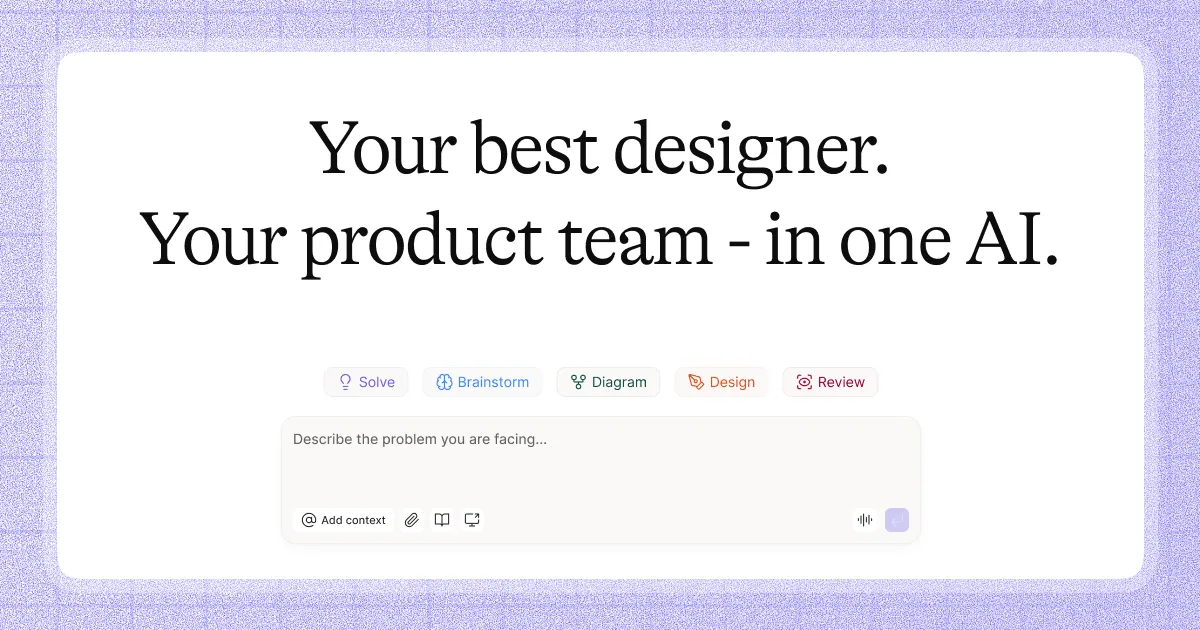
Figr is an AI design agent specifically developed for product teams aiming to enhance their user experience (UX) design processes. It stands out by not merely producing design outputs but by deeply understanding the intricate context of your existing product. Traditional design AI tools often fail when faced with complex product workflows, relying on input prompts without grasping the nuances of user flows, edge cases, and the historical decisions embedded in your design systems. Figr addresses this issue by creating a contextual map that informs every design decision, ensuring that the prototypes generated are not only aesthetically pleasing but also functionally relevant and grounded in established patterns used by real applications.
At the heart of Figr's functionality is its ability to build a living understanding of your product. It unlike other tools that rely on static text files and folders, Figr actively incorporates insights from various data points such as analytics, existing user interfaces, and historical UX decisions made by your team. Users can upload relevant documents and media directly, allowing Figr to analyze and contextualize this information within the design process. This results in design outputs that reflect real user needs and expectations, minimizing guesswork and reducing the number of revisions typically associated with the design process.
Figr is particularly effective for teams that prioritize quality UX over sheer speed. Clients report being able to produce high-quality prototypes rapidly while ensuring all essential UX aspects are considered. Feedback from users indicates that Figr offers usability analysis, risk identification, and prioritized suggestions based on actual user flows and product data. This capability is especially significant when teams are looking to avoid the pitfalls of hasty design cycles that often yield suboptimal solutions.
One compelling feature of Figr is its brainstorming capabilities; users can engage with the tool to generate new ideas and explore different design variants based on concrete UX principles. This methodological approach fosters collaboration among team members while also ensuring that each design suggestion is backed by contextual insights and proven design patterns. The tool effectively acts as an extra team member, helping product managers and designers to navigate complex design challenges while encouraging informed decision-making throughout the process.
Figr distinguishes itself by integrating extensive research capabilities that are often rushed past by teams focused on getting results out the door. Regarding accessibility, Figr not only aims to enhance usability but actively checks for compliance with UX best practices. Each design decision made within Figr is not isolated but connected to documented reasoning based on user experiences across similar products, thus equipping teams with actionable insights aimed at refining user engagement.
Comparatively, Figr positions itself as a more thoughtful alternative in the AI design landscape. Other tools may generate quick outputs but often fail to check the necessary UX complications inherent in real-world apps. By demanding that users provide context and reason through their design challenges, Figr encourages a depth of understanding that ultimately leads to better design outcomes. However, it also presents a learning curve for teams accustomed to more conventional, faster-paced design processes. While it aims to speed up UX alignment significantly, teams must still invest time in ensuring that the foundational context provided to Figr is precise and comprehensive.
As potent as Figr is, it does come with its limitations. The requirement for extensive input data can be daunting for teams that lack well-documented processes, and the complexity of knowledge integration might overwhelm users new to UX design principles. Additionally, while Figr streamlines workflow and reduces the typical rework cycle associated with design revisions, teams will need to ensure that all relevant data is available and structured effectively for optimal performance of the tool. This means that teams that are disorganized with their documentation may not fully benefit from Figr’s capabilities.
Who it's for
Works with
What Figr can do
8 capabilities, verified from the product.
- Deep understanding of existing product contexts
- Generates production-ready UX prototypes
- Offers usability feedback and risk analysis
- Facilitates brainstorming sessions and idea generation
- Maps user flows and edge cases
- Connects design decisions to proven patterns
- Integrates seamlessly with design systems
- Enables quick adjustments based on analytics data
Jobs people hire it for
- 01Generate high-fidelity UX prototypes for new features
- 02Analyze user flows and edge cases before design reviews
- 03Create usability reports based on research data
- 04Draft PRDs and test scenarios for product launches
- 05Facilitate rapid brainstorming sessions for design iterations
Pros & cons
Where it shines
- Figr creates detailed, context-aware designs that reflect user flows and decisions.
- The tool significantly decreases the time taken to align on initial UX designs.
- Users report less rework due to well-informed design outputs informed by UX principles.
- Figr provides actionable insights into usability and product risks clearly tied to real user workflows.
Where it falls short
- Requires thorough documentation and input for effective use, which could be challenging for disorganized teams.
- Teams may face a learning curve in adapting to the context-driven approach.
- Performing extensive analysis can initially slow down the design process for faster-paced teams.
Pricing
See the official website for current pricing. Pricing can change — always confirm on the vendor's site.
Frequently asked about Figr
What does Figr do?
Figr is an AI design agent that helps product teams create high-quality UX designs by leveraging a deep understanding of existing product contexts, user flows, and design principles to generate contextual prototypes.
How does Figr enhance the design process?
Figr enhances the design process by providing usability feedback, risk explanations, and improvement suggestions based on real user workflows and analytics, allowing for informed decision-making during design.
How is Figr different from other AI design tools?
Figr differs from other AI design tools by building a visual context map of your product, demanding detailed input and context to generate relevant and functional prototypes, rather than simply providing output based on prompts.
Who should use Figr?
Figr is ideal for product managers, UX designers, and product teams looking to improve their design processes through more informed insights and faster iterations on user experience strategies.
Can Figr integrate with other tools?
Yes, Figr integrates seamlessly with Figma, allowing users to leverage their existing design systems and workflows.
Ready to try Figr?
1,488 people checked it out on the directory — see it in action on the official site.
Keep exploring
Similar tools in Productivity & Agents
 Productivity & Agents
Zapier Agents
No-code AI agents that work across 7,000+ apps — automation that thinks.
 Productivity & Agents
Reclaim AI
An AI calendar that defends your focus time and schedules your tasks automatically.
 Productivity & Agents
Maestro Labs
AI tools for Outlook, Teams & Office, enhancing productivity in Microsoft 365.
 Productivity & Agents
Studyable
AI-powered study app offering instant homework help and flash cards.