
- Views
- 2,086
- Upvotes
- 55
- Launched
- —
What is Bhava?
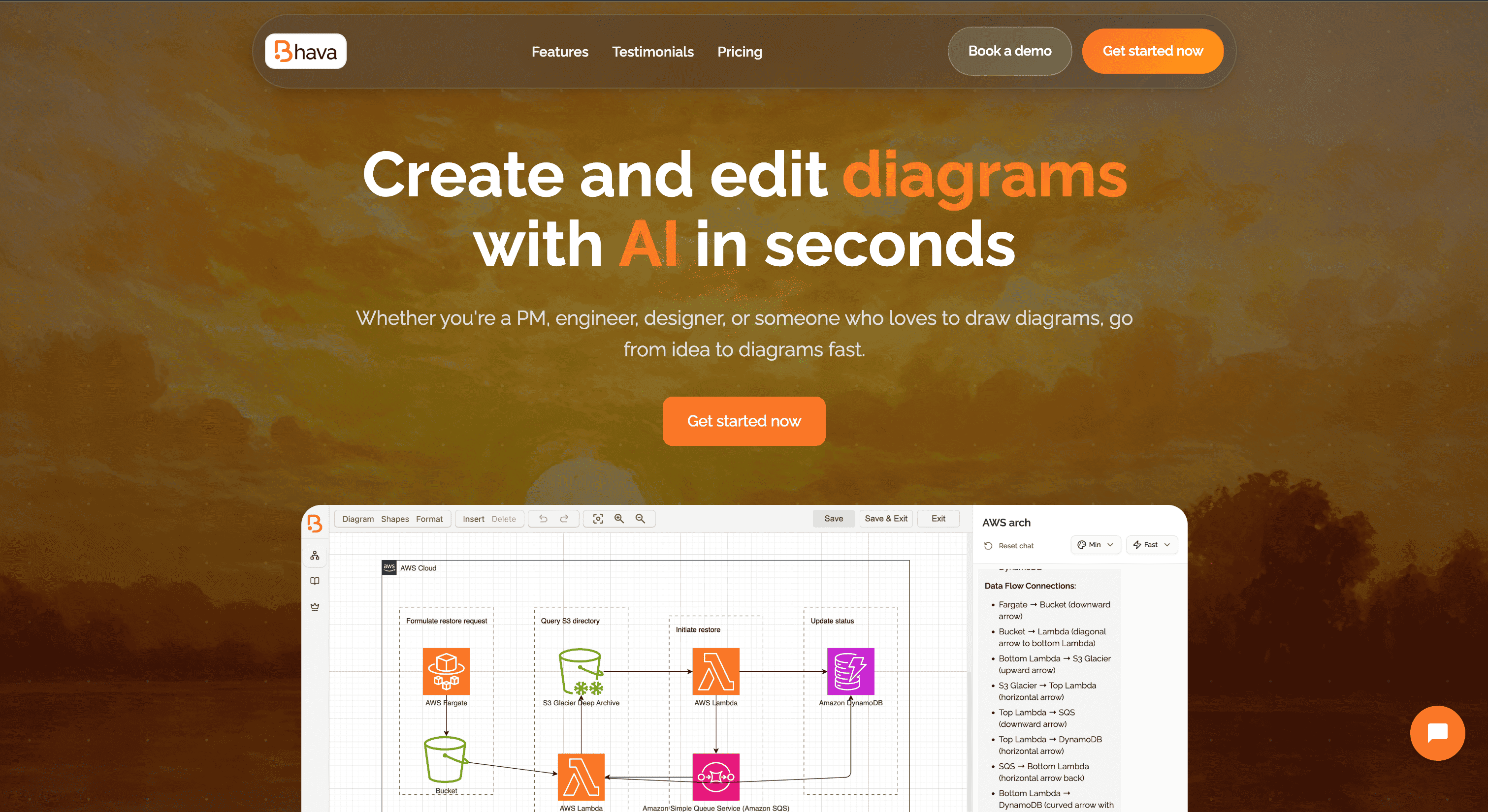
Bhava is an AI-driven diagram editor designed to help users create a variety of diagrams in seconds. It supports multiple diagram types including flowcharts, architecture diagrams, UML, ERD, sequence diagrams, network maps, org charts, mind maps, and hardware schematics. The tool is particularly beneficial for project managers, developers, and engineers looking to visually communicate complex ideas quickly and efficiently.
The editor allows users to convert text into a first draft almost instantly, while also enabling ongoing editing for refinement. Bhava boasts smart layout features and automatic connections, reducing the time spent on adjusting elements manually. Users can also import diagrams from existing platforms like draw.io or Mermaid and export their work in formats such as PNG and SVG, ensuring flexibility and accessibility across different projects.
With a focus on seamless collaboration, Bhava integrates AI functionalities that assist in generating diagrams based on user input. Its user-friendly approach makes it a powerful solution for both individual contributors and teams aiming to enhance their diagramming workflow.
Who it's for
What Bhava can do
5 capabilities, verified from the product.
- AI-powered diagram generation
- Supports multiple diagram types
- Imports files from draw.io and Mermaid
- Exports to PNG, SVG, etc.
- Collaborative editing capabilities
Jobs people hire it for
- 01Creating flowcharts
- 02Designing UML diagrams
- 03Developing network maps
- 04Drafting org charts
- 05Sketching hardware schematics
Pros & cons
Where it shines
- Fast diagram creation with AI
- Wide range of diagram types supported
- Seamless import and export options
- User-friendly interface
- Flexible collaboration features
Where it falls short
- Limited advanced features in free plan
- Enterprise pricing requires contacting sales
Pricing
Free
$0 / Month
Unlimited diagrams, AI-powered generation, and all export formats.
Plus
$9.99 / Month
Everything in Free plus $10 of monthly credits, expert mode, and priority support.
Enterprise
Contact Sales
All features in Plus plus SSO and dedicated support.
Free tier + $9.99/mo Plus Pricing can change — always confirm on the vendor's site.
Frequently asked about Bhava
What types of diagrams can I create with Bhava?
With Bhava, you can create flowcharts, architecture diagrams, UML, ERD, sequence diagrams, network maps, org charts, mind maps, and hardware schematics.
Is there a free trial for Bhava?
Yes, Bhava offers a free plan that includes unlimited diagrams and AI-powered diagram generation.
Can I import diagrams from other tools?
Yes, you can import existing files from draw.io or Mermaid and continue editing them in Bhava.
What formats can I export my diagrams to?
You can export your diagrams to PNG, SVG, and other formats.
Ready to try Bhava?
2,086 people checked it out on the directory — see it in action on the official site.
Keep exploring
Similar tools in Productivity & Agents
 Productivity & Agents
Zapier Agents
No-code AI agents that work across 7,000+ apps — automation that thinks.
 Productivity & Agents
Reclaim AI
An AI calendar that defends your focus time and schedules your tasks automatically.
 Productivity & Agents
Maestro Labs
AI tools for Outlook, Teams & Office, enhancing productivity in Microsoft 365.
 Productivity & Agents
Studyable
AI-powered study app offering instant homework help and flash cards.