What is Atomic Bot?
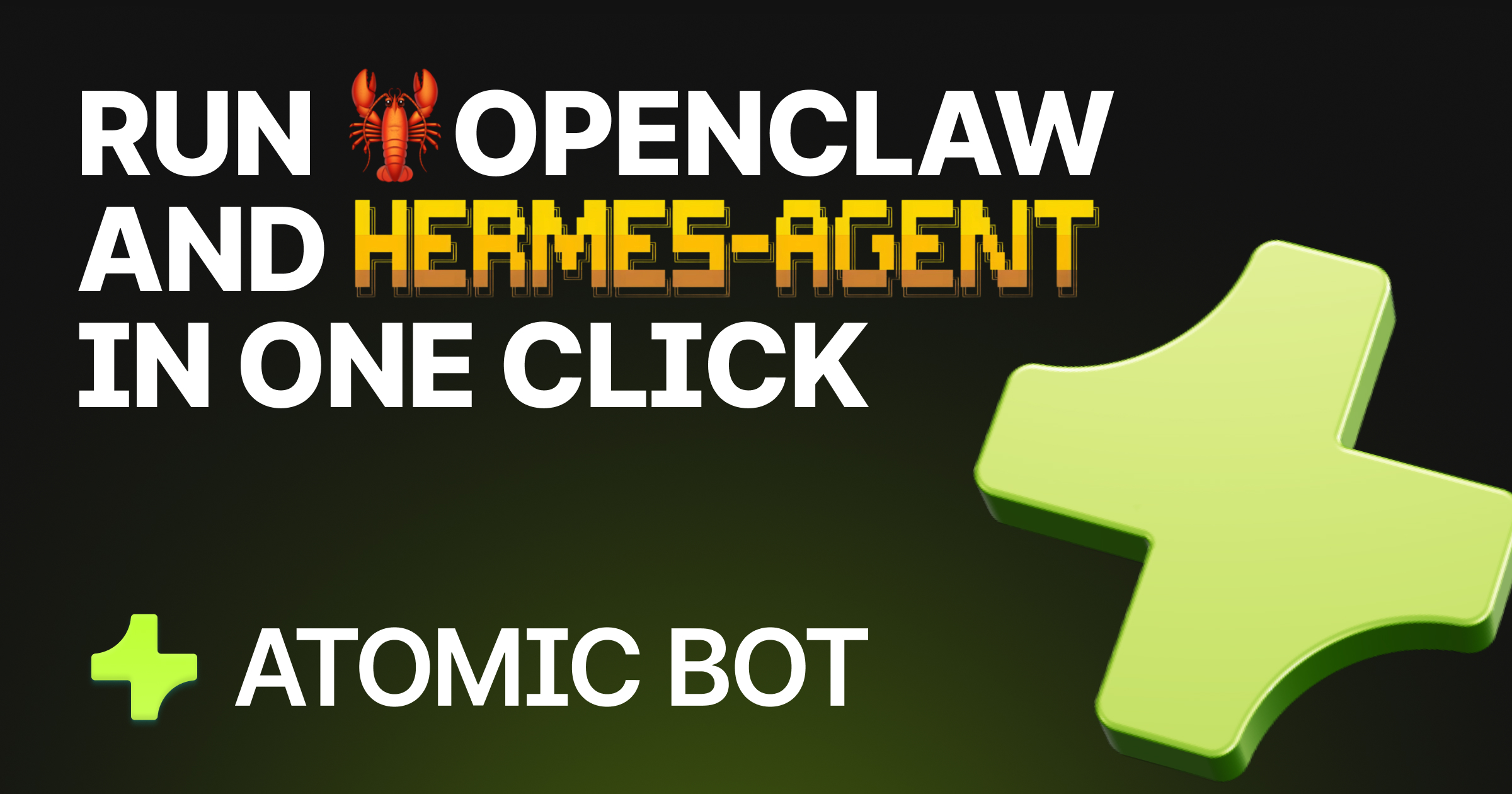
Atomic Bot is an innovative tool designed to simplify the deployment and management of AI agents, specifically the OpenClaw and Hermes systems, for users who may lack extensive technical expertise. It streamlines the setup process, allowing users to install, configure, and activate their personal AI agent in under a minute. This addresses a common pain point for many users who find traditional setups for AI agents cumbersome and time-consuming. Atomic Bot democratizes access to powerful AI functionalities, enabling personal and professional productivity enhancements without requiring users to navigate complex installation procedures or deeply technical configurations.
The core workflow of Atomic Bot is remarkably straightforward. Users initiate the process by downloading the application, after which they can choose between running it locally on their device or within a cloud environment. Following a guided setup, users can sign in using their Google account, connect various skills and services, and have their AI agent ready to assist them around the clock. This single-click deployment is complemented by a user-friendly interface, designed to keep users engaged without overwhelming them with technical jargon.
Atomic Bot's standout capabilities significantly enhance user productivity across various domains. Notably, it can manage Gmail accounts by clearing threads, drafting replies, and sending follow-ups in the user's tone. It automates scheduling tasks in Google Calendar, tracks web activity, monitors important topics on social media, and assists with document summarization, providing key takeaways and action items from long reports or PDFs. The tool also aids in file organization, helping users keep their downloads directory tidy and well-structured. Its ability to handle browser control makes it invaluable for those who perform repetitive web tasks, enabling them to automate fills, clicks, and submissions directly from their chat interface.
Atomic Bot is targeted at a diverse audience, including professionals seeking automation for mundane tasks, students looking to streamline their study processes, and anyone interested in optimizing their daily workflows with AI. Use cases are plentiful: a marketer might utilize it to monitor social media mentions, an office worker might deploy it for managing email and calendar tasks, and a student could leverage it for managing document reviews and summaries. Additionally, those in need of assistance with traditional desktop tasks, like organizing files and interacting with cloud applications, will find Atomic Bot an invaluable resource.
In the landscape of AI-assisted productivity tools, Atomic Bot occupies a unique niche that combines the functionality of OpenClaw and other autonomous agents with user-friendly design principles. Unlike more generalized tools like ChatGPT, which primarily focus on conversational capabilities, Atomic Bot is optimized for executing specific tasks and automating workflows across various applications. This distinction is crucial for users requiring dedicated solutions for task execution rather than simple Q&A engagement.
However, it is important to note some limitations. While Atomic Bot provides a powerful platform for automation, it may require a learning curve for users who wish to utilize more advanced features or the terminal-based installation options. Additionally, although the application is free to use, there’s mention of an optional paid plan, which could cater to those who prefer an even simpler setup with less manual configuration. Overall, while Atomic Bot does a commendable job of delivering on functionality, potential users should consider their comfort with technology and automation to fully benefit from its offerings.
Who it's for
What Atomic Bot can do
8 capabilities, verified from the product.
- One-click installation for easy setup
- Persistent memory for ongoing tasks
- Automated browser control for web activities
- Integration with multiple AI models
- Task scheduling and reminders
- Summarization of documents and PDFs
- File organization and management tools
- Compatible with cloud and local setups
Jobs people hire it for
- 01Manage Gmail accounts for follow-ups and thread cleanup
- 02Schedule and manage Google Calendar events
- 03Summarize and extract action items from documents
- 04Automate repetitive web browser tasks
- 05Organize files on local storage and cloud applications
Pros & cons
Where it shines
- Atomic Bot enables quick setup without technical expertise, appealing to non-technical users.
- It offers comprehensive automation capabilities across multiple applications, increasing productivity.
- Users can run agents locally or in the cloud, tailoring their privacy and accessibility needs.
Where it falls short
- Advanced users may find the optional terminal setup more complex than necessary.
- Some features may require initial configuration, which could be overwhelming for total beginners.
- The distinction between the free tier and any paid plans is not clearly defined on the provided page.
Pricing
Free to use with optional paid plan for easier setup Pricing can change — always confirm on the vendor's site.
Frequently asked about Atomic Bot
What is Atomic Bot?
Atomic Bot is a user-friendly native app designed to simplify the running and management of OpenClaw capabilities, allowing everyday users to quickly install and activate a personal AI assistant.
Is Atomic Bot the same as OpenClaw/Clawdbot?
Atomic Bot delivers the full experience of OpenClaw in a simplified interface, enabling users to run and manage their assistants more effectively.
Is Atomic Bot open source?
Yes, Atomic Bot is fully open source, with its code available for download on GitHub, promoting transparency and community collaboration.
Who is Atomic Bot for?
Atomic Bot is designed for users who need an assistant to perform tasks in email, calendars, and document management without extensive setup time.
Do I need to use Terminal to set up Atomic Bot?
Using Terminal is optional. Most users can install and run Atomic Bot through the app interface without needing terminal commands.
Does Atomic Bot run on my computer or in the cloud?
Atomic Bot can run locally on your device, in the cloud, or in a hybrid setup, providing flexibility based on user preference.
What can Atomic Bot do?
Atomic Bot can manage a variety of tasks, including email management, calendar scheduling, document summarization, browser automation, and file organization.
Is Atomic Bot secure?
Atomic Bot is designed with privacy in mind, allowing users to choose where their data is processed and stored, thus maintaining control over their setup.
Ready to try Atomic Bot?
2,456 people checked it out on the directory — see it in action on the official site.
Keep exploring
Similar tools in Productivity & Agents
 Productivity & Agents
Zapier Agents
No-code AI agents that work across 7,000+ apps — automation that thinks.
 Productivity & Agents
Reclaim AI
An AI calendar that defends your focus time and schedules your tasks automatically.
 Productivity & Agents
Maestro Labs
AI tools for Outlook, Teams & Office, enhancing productivity in Microsoft 365.
 Productivity & Agents
Studyable
AI-powered study app offering instant homework help and flash cards.