What is Wondershare UniConverter?
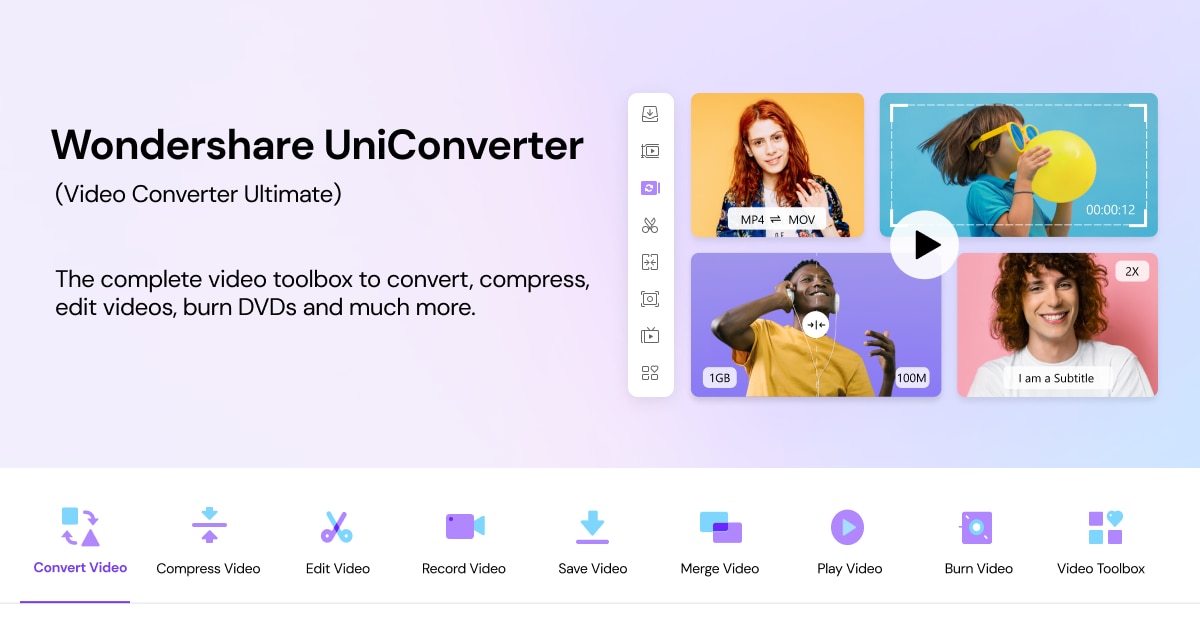
Wondershare UniConverter 17 offers a comprehensive suite for video needs, enabling users to convert, enhance, compress, and record videos efficiently. With support for 4K and 8K HDR formats, it provides results with exceptional speed, claiming up to 130 times faster conversion compared to many traditional tools.
This software leverages AI to recommend the best format for each task, making the video conversion process straightforward. It also enhances visual quality by upscaling footage and refining details, which is particularly valuable for content creators and video editors looking to maximize the impact of their projects.
In addition to conversion and enhancement, UniConverter includes features like video compression that smartly reduces file sizes while preserving quality. Users can record videos of applications, online meetings, or streaming content at high resolutions and frame rates. It also features tools for subtitle generation, watermark removal, and more, aimed at fulfilling a wide range of media creation and editing requirements.
Who it's for
What Wondershare UniConverter can do
5 capabilities, verified from the product.
- AI-powered video conversion
- Batch processing for large files
- Video enhancement up to 4K/8K
- Smart video compression
- Video recording capabilities
Jobs people hire it for
- 01Convert various video formats
- 02Enhance quality of existing videos
- 03Compress video files for sharing
- 04Record high-quality screen content
- 05Generate subtitles for videos
Pros & cons
Where it shines
- Supports a wide range of video formats
- AI capability enhances usability and quality
- Fast processing speeds for conversions
- User-friendly interface suitable for all skill levels
Where it falls short
- No specific pricing details available
- Potentially resource-intensive on older machines
Pricing
See the official website for current pricing. Pricing can change — always confirm on the vendor's site.
Frequently asked about Wondershare UniConverter
What formats does Wondershare UniConverter support?
Wondershare UniConverter supports over 1,000 formats for conversion.
Can I record my screen with UniConverter?
Yes, UniConverter allows you to record selected app windows or streams up to 4K resolution.
Is there a free trial available for Wondershare UniConverter?
Yes, users can try UniConverter for free to explore its features.
What types of enhancements does UniConverter offer for videos?
UniConverter provides enhancement features such as noise reduction, upscaling to higher resolutions, and improving frame rates.
Ready to try Wondershare UniConverter?
1,712 people checked it out on the directory — see it in action on the official site.
Keep exploring
Similar tools in Video & Audio
 Video & Audio
ElevenLabs
Hyper-realistic AI voices — text to speech, voice cloning, and dubbing in 30+ languages.
 Video & Audio
Runway
Professional AI video generation and editing — text to video, image to video, and beyond.
 Video & Audio
Suno
Generate complete songs — vocals, lyrics, and instrumentals — from a text prompt.
 Video & Audio
Flowjin
AI video clipping: Repurpose long videos into engaging short clips effortlessly.