
Flowjin
AI video clipping: Repurpose long videos into engaging short clips effortlessly.
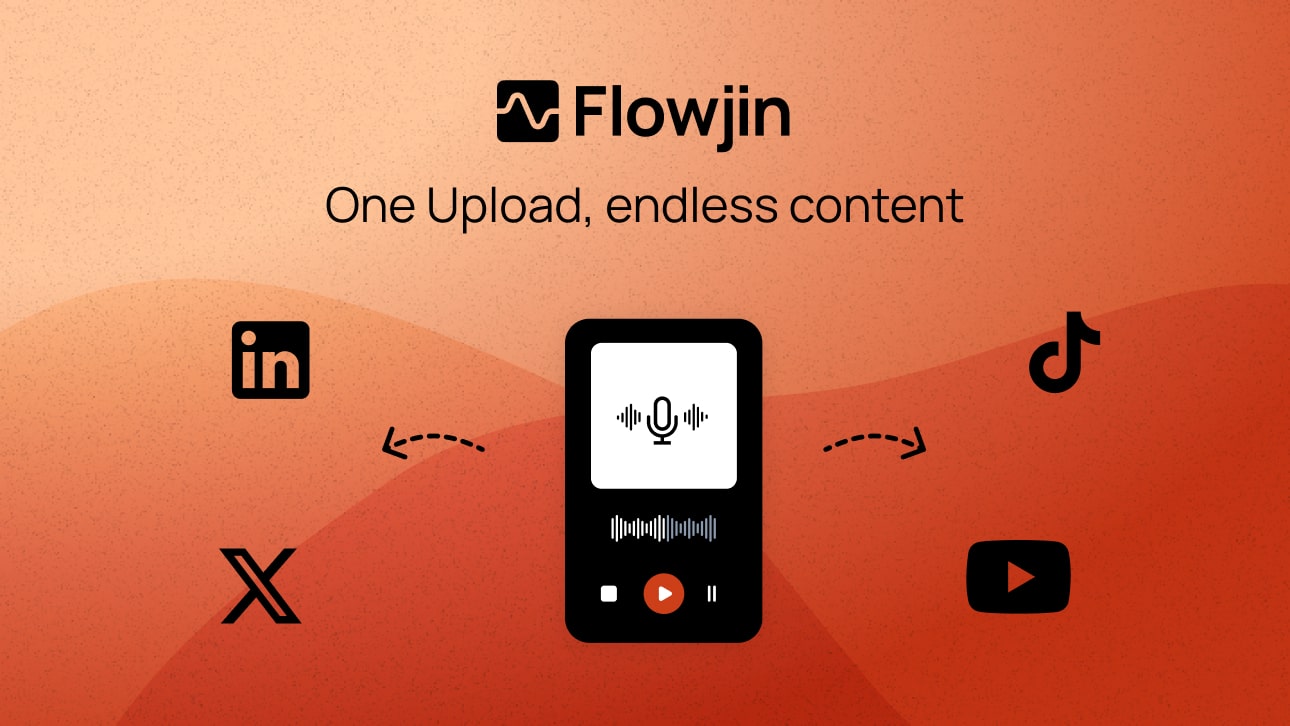
What is Flowjin?
Flowjin is a comprehensive AI-powered platform designed specifically to streamline the video clipping process, transforming lengthy videos and audio files into short, engaging clips suitable for social media sharing. This tool is particularly valuable for brands and content creators who seek to maximize their reach by repurposing long-form content into bite-sized, platform-specific videos. By automating the editing and clipping process, Flowjin addresses the time-consuming nature of video editing, enabling users to efficiently create shareable content from webinars, podcasts, interviews, and other long video formats. It not only identifies key moments in the footage but also generates accompanying captions, titles, and social media copy tailored to various platforms.
How Flowjin works is straightforward yet sophisticated. Users begin by uploading their videos, either directly or via import from platforms like YouTube or Apple. Flowjin's AI technology then analyzes the content, identifying the most impactful segments and automatically generating 10 to 12 short clips, each complete with captions. This means that users can focus on their core message while the AI takes care of the technical aspects of editing. Furthermore, Flowjin offers the ability to customize these clips to match the user's branding and style, ensuring that the end product remains consistent with their identity across varying media. With features such as a one-click scheduling tool, Flowjin allows users to publish their clips seamlessly across multiple social media platforms from a single calendar, streamlining their online presence.
One of Flowjin's standout capabilities is its ability to handle both video and audio formats proficiently. For video content, it offers features like smart crop and speaker tracking, auto-generated captions, and even the option to add B-roll. For audio files, it can transform podcasts into appealing audiograms and quote clips in minutes, making it a versatile solution for diverse content needs. Additionally, the platform creates tailored social media posts, including titles, descriptions, hashtags, and calls to action, for platforms such as LinkedIn, YouTube, and X, which saves users considerable time and effort. Flowjin's integration of various functionalities—from video editing and scheduling to transcription and social copywriting—contributes toward a well-rounded content creation experience.
Flowjin services several key audiences, notably founders, marketing leads, social media managers, and marketing agencies. Each group benefits from the tool's ability to maintain a consistent online presence without the need for extensive resources. For example, founders can leverage Flowjin to maintain regular posting on LinkedIn; marketing leads can convert webinars into multi-week campaigns; while agencies can enhance service delivery without increasing headcount. This flexibility makes Flowjin suitable not only for individual content creators but also for teams and businesses seeking to amplify their content marketing strategies efficiently.
In comparison to other video editing and social media management tools, Flowjin positions itself uniquely by integrating AI-driven video clipping capabilities with social media scheduling. This single platform approach contrasts starkly with competitors that require the use of multiple tools for similar functionalities. The combined efficiency of creating clips, managing social media content, and tracking audience engagement delivers a strong value proposition for users looking to consolidate their efforts.
However, there are limitations worth noting. While Flowjin is powerful for videos exceeding 10 minutes, its capabilities are optimized for this length. Users attempting to generate clips from shorter content may still find success, but the output may not match the full potential available with longer videos. Additionally, users need to be mindful of the platform’s retention policy—videos are stored for only 30 days post-upload; failures to export may lead to lost drafts. Finally, while Flowjin’s onboarding is noted for being user-friendly, there remains a slight learning curve as users acclimate to the interface and functionalities, especially those less familiar with AI tools. Overall, Flowjin presents a robust solution for video clipping and content repurposing, yet it is essential for users to have proper expectations regarding the types of content that yield the best results with the platform.
Who it's for
What Flowjin can do
8 capabilities, verified from the product.
- Automated video clipping for social media
- Platform-specific AI-generated captions
- One-click scheduling across multiple channels
- Smart cropping and speaker tracking
- Customizable clip branding and templates
- Transcription services integrated
- Audio-to-video transformation capabilities
- Social media copywriting for posts
Jobs people hire it for
- 01Transform webinars into engaging multi-channel clips
- 02Create highlight reels from long podcasts
- 03Generate TikTok and Instagram content from interviews
- 04Repurpose corporate videos into shareable snippets
- 05Easily schedule social media posts from clips
Pros & cons
Where it shines
- Automates the creation of video clips from longer content, saving time and effort.
- Integrates multiple functions such as video editing, scheduling, and copywriting in one platform.
- Offers customizable templates to maintain consistent branding across clips.
- Supports various social media formats, enhancing content marketing strategies.
- User-friendly interface designed for both technical and non-technical users.
Where it falls short
- Best results are limited to videos longer than 10 minutes, shorter videos may not yield optimal clips.
- Drafts are only retained for 30 days post-upload, demanding timely action from users.
- Some users may experience a slight learning curve when starting with the AI features.
- Advanced editing options may be limited compared to dedicated video editors. They can be less appealing for professional-grade video personnel.
Pricing
Basic
$19/month
AI video clipping and editing for efficient content creation
Pro
$29/month
Comprehensive video editing tools for enhanced workflows
Social Scheduler
$25/month
Synchronized scheduling for all social media platforms
Content Repurposing
$25/month
Streamline multi-channel campaign content distribution
Transcription Service
$17/month
Automated transcription to accompany your video content
Social Copy Writer
$59/month
Crafting of platform-specific posts to promote your clips
Starting at $19/month Pricing can change — always confirm on the vendor's site.
Frequently asked about Flowjin
How does Flowjin work?
Flowjin simplifies video clipping by allowing users to upload videos, which the AI then analyzes to create 10+ short, captioned clips optimized for engagement. The process includes letting users customize each clip with their respective branding before publishing.
What are the most common use cases of Flowjin?
Users typically leverage Flowjin to automatically generate short videos from long-form content such as webinars, podcasts, calls, interviews, and monologues, which can be shared on platforms like Instagram Reels, YouTube Shorts, TikTok, LinkedIn, and Facebook.
What languages are supported by Flowjin?
Flowjin supports a wide range of languages, including English, French, Spanish, German, among many others, catering to a diverse global audience.
How long does Flowjin store my videos?
Flowjin retains your drafts for only up to 30 days after upload. Users must download any exported clips within this period to ensure they retain their content.
What functionalities does the video editor have? Can I edit the clips afterwards?
Yes, Flowjin provides an advanced AI-powered video editor that allows users to trim, extend clips, and customize captions, layouts, and overlays. Users can also create branded templates for consistency.
Does Flowjin work with videos shorter than 10 minutes?
Although Flowjin is optimized for content longer than 10 minutes where it can identify compelling moments, it can still handle shorter videos and intelligently extract clips to create engaging content.
What benefits does Flowjin provide for marketing agencies?
Flowjin enables marketing agencies to deliver more output to clients without the need to hire additional editors, as its AI efficiently creates on-brand video clips alongside the capability of scheduling and posting.
How is Flowjin different from other video editing tools?
Flowjin uniquely combines automated video clipping with social media scheduling and content creation, positioning itself as a one-stop solution for content creators, unlike traditional video editors that act separately from social media management.
Ready to try Flowjin?
2,502 people checked it out on the directory — see it in action on the official site.
Keep exploring
Similar tools in Video & Audio
 Video & Audio
ElevenLabs
Hyper-realistic AI voices — text to speech, voice cloning, and dubbing in 30+ languages.
 Video & Audio
Runway
Professional AI video generation and editing — text to video, image to video, and beyond.
 Video & Audio
Suno
Generate complete songs — vocals, lyrics, and instrumentals — from a text prompt.
 Video & Audio
Synthesia
Create AI generated videos from text with advanced avatars and voiceovers.