Wondershare Filmora
All-in-one video editing software for beginners and professionals.
What is Wondershare Filmora?
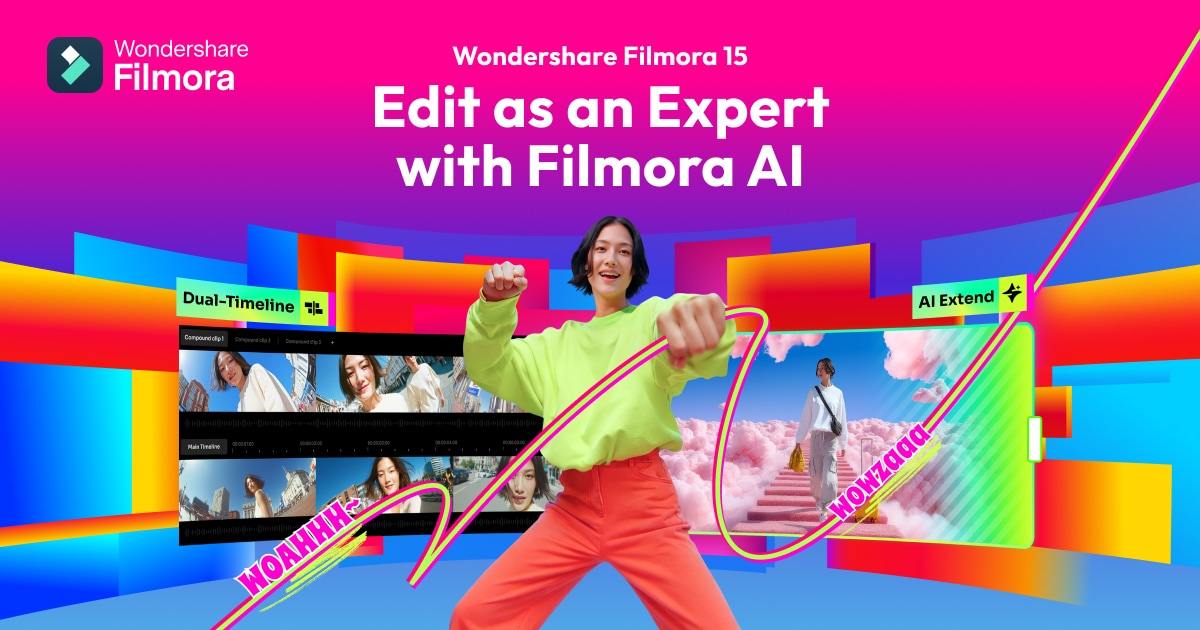
Wondershare Filmora is a versatile video editing software designed for both desktop and mobile users. It offers an intuitive interface that makes video editing accessible for beginners, while also providing advanced tools and effects for professionals. Users can utilize features such as AI-powered enhancements, dynamic captions, and dual-timeline editing for a smooth and effective editing experience.
The software boasts a library of over 2.9 million stock media assets, allowing creators to find the perfect visuals and sounds for their projects. You can edit videos in one flow with powerful AI features that streamline the creative process, making it easier to transform ideas into well-crafted videos.
Additionally, Filmora supports GPU acceleration and Metal rendering to optimize the editing workflow, especially for high-resolution content. With the capability to export videos directly to social media platforms like YouTube, Filmora helps users manage their content distribution effectively.
Who it's for
What Wondershare Filmora can do
5 capabilities, verified from the product.
- AI-powered video editing tools
- Dual-timeline editing for precise control
- Over 2.9 million stock media assets
- Dynamic captions and text animations
- Export directly to social media platforms
Jobs people hire it for
- 01Creating professional-quality videos
- 02Editing videos for social media content
- 03Producing marketing videos
- 04Making tutorials or educational content
Pros & cons
Where it shines
- User-friendly interface suitable for beginners
- Comprehensive library of templates and effects
- Advanced editing tools like motion tracking and keyframing
Where it falls short
- AI-generated resources have limitations on commercial use
- Some advanced features may require a learning curve
Pricing
Free version available with paid upgrades for advanced features Pricing can change — always confirm on the vendor's site.
Frequently asked about Wondershare Filmora
Why should I choose Filmora Video Editor?
Filmora is favored by millions of creators for its ease of use and features, offering over 2.9 million stock media assets and professional-level effects.
Can the resources of Filmora be used for commercial purposes?
Yes, but it varies. Some AI-generated resources have restrictions, while non-AI resources labeled as 'commercially available' can be used for commercial purposes.
Does Filmora support GPU acceleration?
Yes, Filmora supports GPU acceleration to enhance video rendering and editing performance.
What formats does Filmora support for video export?
Filmora supports formats like MP4, MOV, AVI, MKV, and MPEG, along with optimized settings for platforms like YouTube.
Ready to try Wondershare Filmora?
2,072 people checked it out on the directory — see it in action on the official site.
Keep exploring
Similar tools in Video & Audio
 Video & Audio
ElevenLabs
Hyper-realistic AI voices — text to speech, voice cloning, and dubbing in 30+ languages.
 Video & Audio
Runway
Professional AI video generation and editing — text to video, image to video, and beyond.
 Video & Audio
Suno
Generate complete songs — vocals, lyrics, and instrumentals — from a text prompt.
 Video & Audio
Flowjin
AI video clipping: Repurpose long videos into engaging short clips effortlessly.