
- Views
- 2,480
- Upvotes
- 145
- Launched
- —
What is Loom AI?
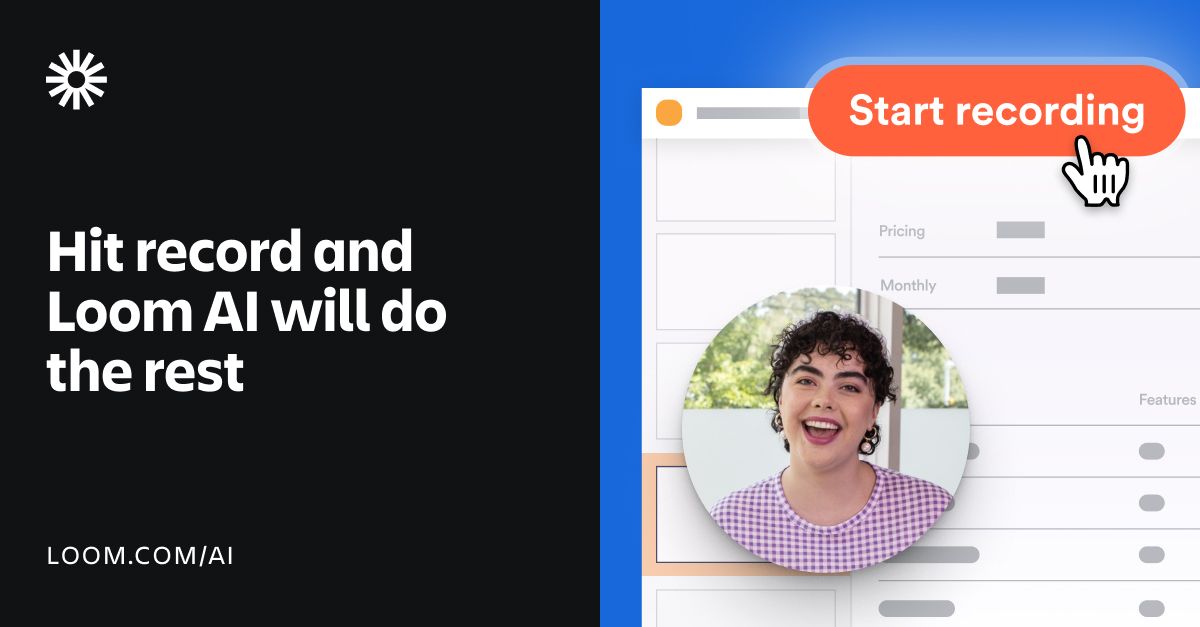
Loom AI enhances your video recording experience by automatically refining and editing your videos. With features such as auto-generated titles, summaries, chapters, and removal of filler words, it allows users to communicate more effectively and efficiently. You can produce a detailed document from your video content with just a click, making the task of creating content seamless.
The tool empowers users to record meetings effortlessly, providing AI-generated meeting notes, action items, and recap emails without any typing. This can significantly reduce the time needed for documentation and improve communication.
Loom AI is designed to be user-friendly, enabling you to document your work, create Jira or Linear issues from video content, and instantly generate context-rich messages to accompany video links. It supports over 50 languages for video enhancement, appealing to a global audience.
Who it's for
What Loom AI can do
8 capabilities, verified from the product.
- Auto-generated titles
- Automatic summaries
- Chapters creation
- Filler word removal
- Silence removal
- Document generation from video
- Ticket creation for Jira or Linear
- Instant message generation along with Loom links
Jobs people hire it for
- 01Creating polished video messages quickly
- 02Documenting meetings with AI-generated notes
- 03Reporting bugs in project management tools
- 04Generating written messages for video links
- 05Enhancing video content accessibility
Pros & cons
Where it shines
- Automated enhancements save time
- Supports multiple languages
- User-friendly interface for all levels
- Generates documents and tickets automatically
- Improves communication effectiveness
Where it falls short
- Some features are still in development
- AI workflows currently only available in English
- Free trial has limited duration
Pricing
Business + AI
Custom
Includes all AI features with a 14-day free trial.
Free trial for 14 days, Business + AI plan available Pricing can change — always confirm on the vendor's site.
Frequently asked about Loom AI
How do I purchase Loom AI?
Your account Admin can upgrade to the Business + AI or Enterprise plan in your workspace settings under the 'Plan and Billing' tab.
Can I try Loom AI for free?
Yes, you can try our Business + AI plan free for 14 days upon signup for Loom.
What languages does Loom AI support?
Loom AI auto-enhancement features are generated in 50+ languages, while AI workflows currently generate documentation in English.
How is my data used?
OpenAI receives transcript data as text files to generate titles and summaries, but not full videos or audio.
Ready to try Loom AI?
2,480 people checked it out on the directory — see it in action on the official site.
Keep exploring
Similar tools in Video & Audio
 Video & Audio
ElevenLabs
Hyper-realistic AI voices — text to speech, voice cloning, and dubbing in 30+ languages.
 Video & Audio
Runway
Professional AI video generation and editing — text to video, image to video, and beyond.
 Video & Audio
Suno
Generate complete songs — vocals, lyrics, and instrumentals — from a text prompt.
 Video & Audio
Flowjin
AI video clipping: Repurpose long videos into engaging short clips effortlessly.