
Higgsfield AI
Turn ideas into cinematic AI videos with refined control.
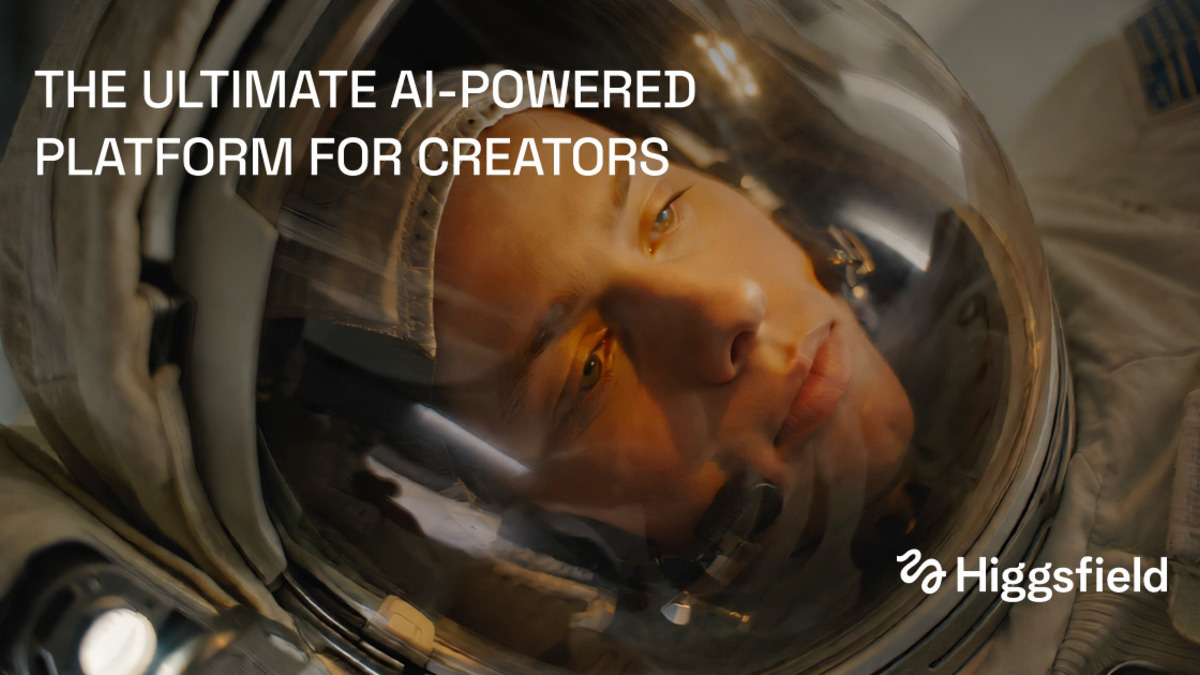
What is Higgsfield AI?
Higgsfield AI offers a suite of tools for generating both videos and images using advanced AI techniques. Users can seamlessly create cinematic videos from prompts or images, enhancing their creative workflows with a variety of functionalities. With tools like Recraft 4.1 and the Higgsfield Plugin for DaVinci Resolve, creators have total control over their projects, allowing for detailed editing and stunning visual effects.
The platform supports numerous features and integrations, including plugins for popular software like Adobe Premiere Pro and After Effects, ensuring compatibility with existing workflows. Users can benefit from AI-generated LUTs (Look-Up Tables) to enhance their video edits. The community-driven aspect of Higgsfield AI also allows users to share their creations and explore high-quality presets derived from the collective efforts of creators.
In addition to video and image generation, Higgsfield provides a unique feature set that includes a moodboard capability, allowing teams to collaborate and chain workflows on a unified canvas. This integration fosters a productive environment for groups, making it easier to brainstorm and visualize projects together.
Who it's for
Works with
What Higgsfield AI can do
5 capabilities, verified from the product.
- Generate cinematic AI videos from prompts
- Create high-quality visuals with AI tools
- Seamless integration with Adobe Premiere Pro and After Effects
- AI-generated LUTs for video enhancement
- Moodboard feature for collaborative workflows
Jobs people hire it for
- 01Creating promotional videos
- 02Generating high-quality images for marketing
- 03Editing and enhancing cinematic footage
- 04Collaborating on creative projects with teams
- 05Developing visual effects for films
Pros & cons
Where it shines
- User-friendly interface for video and image generation
- Powerful editing tools for precise control
- Community support with shared assets and presets
- Integrations with popular editing software
- Continuous updates and access to new features
Where it falls short
- Limited information on pricing
- Requires compatible software for full functionality
- Community contributions may vary in quality
- Some features may have a learning curve
Pricing
See the official website for current pricing. Pricing can change — always confirm on the vendor's site.
Frequently asked about Higgsfield AI
What types of content can Higgsfield AI generate?
Higgsfield AI can generate both AI videos and images, allowing users to create cinematic scenes and high-quality visuals.
Does Higgsfield AI integrate with other software?
Yes, it includes plugins for Adobe Premiere Pro and After Effects, enhancing its usability within existing workflows.
Is there a collaboration feature in Higgsfield AI?
Yes, it features a moodboard functionality that enables teams to collaborate and chain workflows on a single canvas.
What are some of the tools available within Higgsfield AI?
Notable tools include the Higgsfield Plugin for DaVinci Resolve, Recraft 4.1, and various AI-generated presets for visual effects.
Ready to try Higgsfield AI?
1,283 people checked it out on the directory — see it in action on the official site.
Keep exploring
Similar tools in Video & Audio
 Video & Audio
ElevenLabs
Hyper-realistic AI voices — text to speech, voice cloning, and dubbing in 30+ languages.
 Video & Audio
Runway
Professional AI video generation and editing — text to video, image to video, and beyond.
 Video & Audio
Suno
Generate complete songs — vocals, lyrics, and instrumentals — from a text prompt.
 Video & Audio
Flowjin
AI video clipping: Repurpose long videos into engaging short clips effortlessly.