
What is Captions?
Captions is an AI-powered video generator and editor that streamlines the video creation process, allowing users to transform their ideas into polished, shareable content efficiently. Designed to cater to various skill levels, Captions makes it easy for anyone, regardless of their editing expertise, to produce high-quality videos. By leveraging advanced AI editing capabilities, Captions eliminates the complexities of traditional video editing, thus bridging the gap between concept and effective visual storytelling.
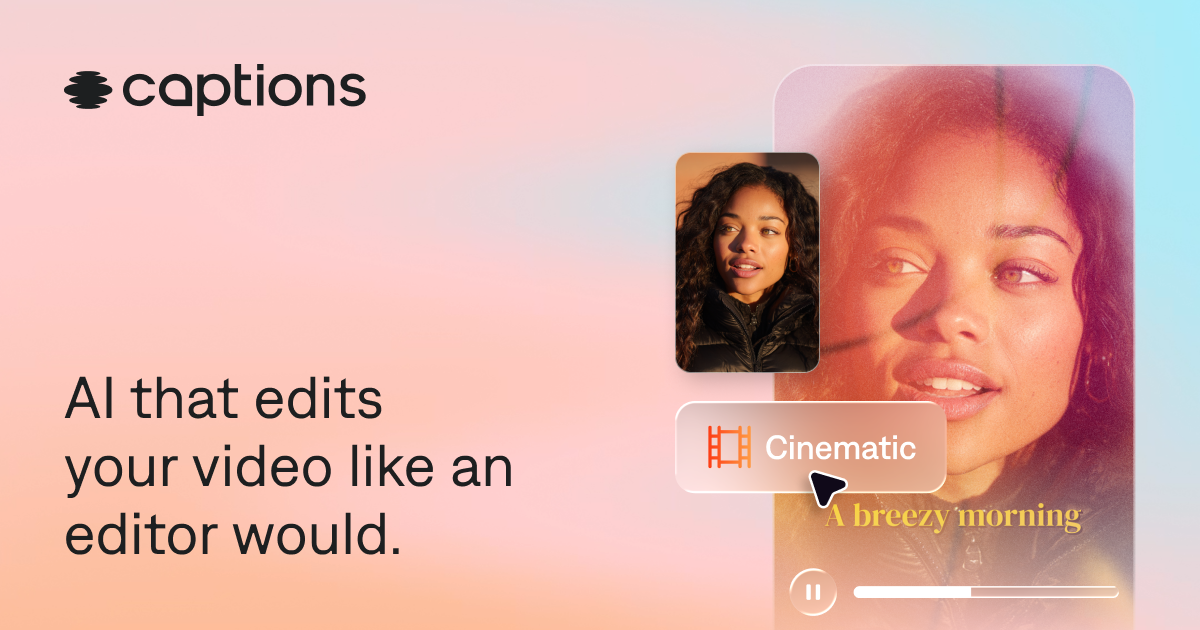
The platform works by allowing users to upload existing footage or start fresh. Once a video is uploaded, users can select from a variety of editing styles that suit their content’s tone and purpose. Captions' AI intelligently analyzes the provided footage, automatically performing tasks such as scene cutting, B-roll overlaying, and caption generation. By using a chat-based interface, users can give prompts for specific edits, making the editing process intuitive and accessible. This streamlined approach means that time-consuming post-production activities can be bypassed entirely, with high-quality outputs ready for sharing in a fraction of the time.
Captions stands out due to its range of features tailored for content creators. Automatic caption generation is combined with stylistic font options and translations into over 100 languages, enhancing the inclusivity and reach of the finished videos. Additionally, Captions offers tools to fix common editing issues, such as inconsistent eye contact and unwanted background noise. With its array of music and sound effect generation, users can enrich the video experience seamlessly. Users can also create their own digital avatars or utilize AI-generated twins that can change appearances or outfits based on the content requirements, offering a creative way to personalize video narratives.
The target audience for Captions includes a wide range of professionals and creators, from marketers producing promotional videos to educators crafting tutorial content. Social media influencers can also greatly benefit from the platform, as it allows for quick editing of vertical and horizontal videos ideal for various social media formats. The versatility of Captions makes it fitting for anyone who regularly creates visual content, including businesses looking to enhance their online presence with engaging video material.
In the broader context of AI video editing tools, Captions positions itself as a leading solution due to its focus on quality and ease of use. While many video editing platforms require extensive training in editing techniques, Captions relies on user-friendly AI technologies to perform most editing tasks automatically. This approach resonates particularly well with users who need to produce video content rapidly while maintaining a professional look. Its combination of sophisticated AI editing features and accessibility for all skill levels represents a significant shift in how video content can be created at scale.
However, despite its many advantages, Captions does have some limitations. Users may encounter a learning curve as they familiarize themselves with the AI features and prompt-based editing process. Moreover, while the app has a free version, accessing the full range of professional-grade features requires a subscription, which may deter some casual users. Additionally, as settings and preferences are often general, there may be instances where user-specific adjustments are not as precise as a manual editing process might achieve, leading to a less personalized output in certain cases.
Who it's for
What Captions can do
8 capabilities, verified from the product.
- AI-driven video editing
- Automatic scene cutting and styling
- Stylized font options for captions
- Translation to 100+ languages
- Denoising features for audio clarity
- Custom avatar generation
- Automatic eye contact correction
- Royalty-free music generation
Jobs people hire it for
- 01Produce quick promotional videos for social media
- 02Edit tutorial content for online courses
- 03Create engaging video ads for campaigns
- 04Transform podcast audio to video with overlays
- 05Generate subtitle translations for global audiences
Pros & cons
Where it shines
- Intuitive AI editing tools simplify video production for all skill levels.
- Fast processing times reduce post-production effort significantly.
- Supports a wide range of video formats, enhancing versatility.
- Includes novel features like avatar generation for enhanced storytelling.
Where it falls short
- Learning curve as users adapt to AI-driven editing prompts.
- Accessing top features requires a subscription after a free trial.
- Possible limitations in customizability compared to traditional editing methods.
Pricing
Free
$0
Access basic features for no cost.
Pro
Custom
Unlock all premium features for professional-quality editing.
Free tier available; subscription unlocks advanced features Pricing can change — always confirm on the vendor's site.
Frequently asked about Captions
What is the Captions app?
Captions is an AI video editor that produces fully-edited videos from uploaded footage. The app allows for easy editing and even generates new footage without the need for prior recording. Its AI tools guide users through suggested edits, making video creation accessible for everyone, regardless of expertise.
How do I get Captions?
Captions can be accessed on both mobile and desktop platforms. Users can start editing directly in their browser or download the app available on the App Store or Google Play.
Is Captions free to use?
Captions is free to download, offering some features at no cost. However, to fully unlock professional-grade capabilities and tools essential for high-quality videos, users will need to subscribe to one of the paid plans.
What’s the best AI video editor for content creators?
Captions is tailored for content creators who seek a professional-quality editing experience without requiring advanced skills. The AI capabilities allow for fast completion of edits, making it suitable for creating short social videos, ads, and tutorials efficiently.
What types of videos can Captions edit?
Captions can work with a variety of video types, including vertical and horizontal formats. It is particularly effective for social media content, video ads, tutorial clips, and promotional product videos.
Does Captions edit my whole video for me?
Yes, Captions automates the video editing process, handling tasks like cuts, transitions, and stylistic adjustments, allowing users to produce finished videos swiftly without manual editing. The user can make tweaks if desired, but the main workload is managed by the app.
What happened to Mirage Studio?
Mirage Studio has merged with Captions, allowing former subscribers to access their previous accounts and projects through the Captions platform, while also unlocking new editing features.
Ready to try Captions?
1,137 people checked it out on the directory — see it in action on the official site.
Keep exploring
Similar tools in Video & Audio
 Video & Audio
ElevenLabs
Hyper-realistic AI voices — text to speech, voice cloning, and dubbing in 30+ languages.
 Video & Audio
Runway
Professional AI video generation and editing — text to video, image to video, and beyond.
 Video & Audio
Suno
Generate complete songs — vocals, lyrics, and instrumentals — from a text prompt.
 Video & Audio
Flowjin
AI video clipping: Repurpose long videos into engaging short clips effortlessly.