What is AutoCut?
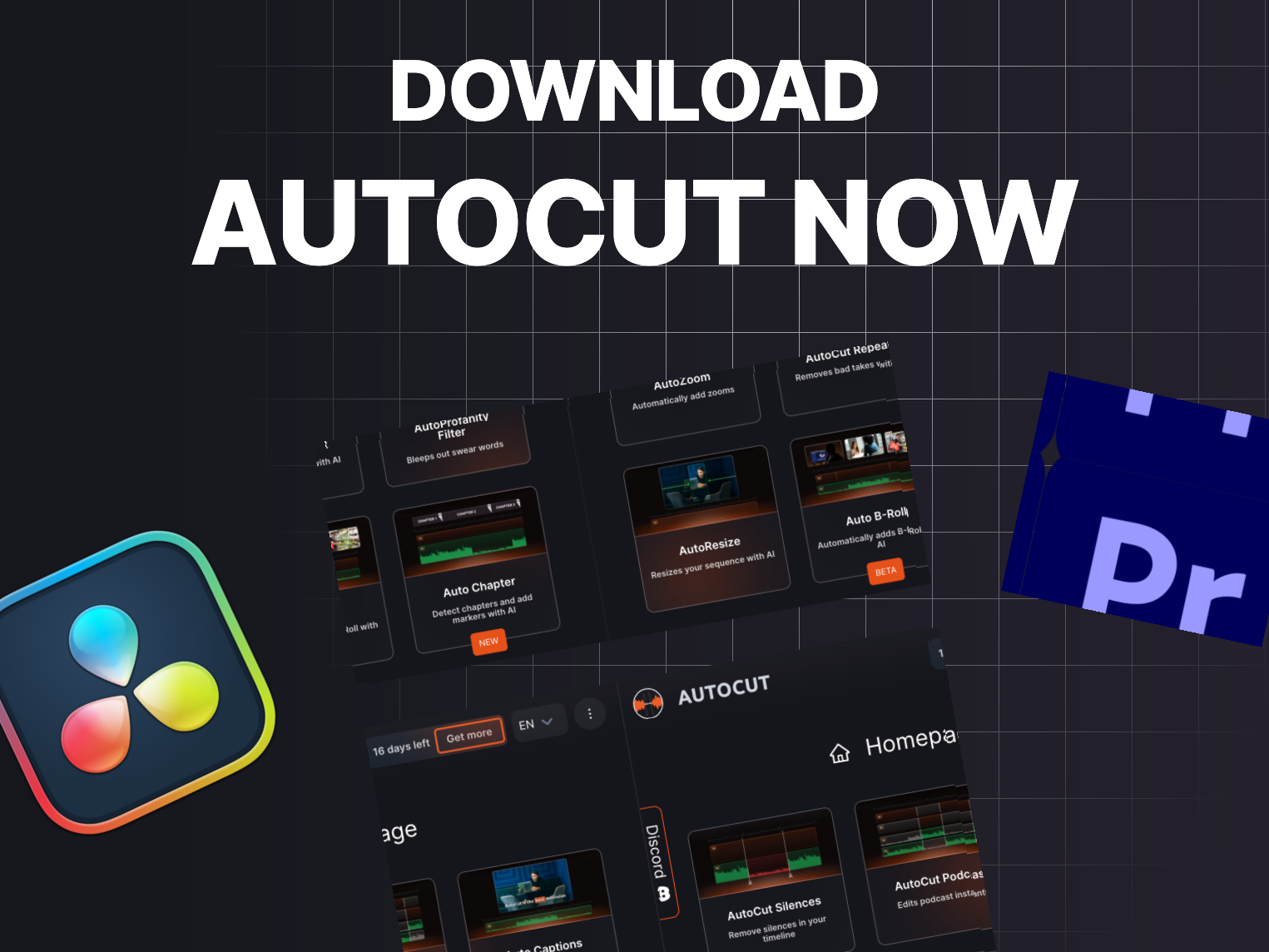
AutoCut is an AI-powered plugin designed to enhance video editing in Adobe Premiere Pro and DaVinci Resolve. It automates repetitive editing tasks like cutting silences, adding captions, and incorporating dynamic zooms, which helps creators focus on the creative aspects of their projects rather than tedious manual adjustments.
With features such as AutoCaptions, AutoCut Silences, and AutoZoom, AutoCut makes video editing faster and more efficient. It also includes functionalities for editing podcasts, creating viral content from longer videos, and even a profanity filter for improved content integrity.
The plugin is designed to cater to both beginners and seasoned video editors, letting them leverage AI technology to streamline their workflows and enhance overall productivity.
Who it's for
What AutoCut can do
8 capabilities, verified from the product.
- AutoCut Silences: removes silences instantly
- AutoCaptions: generates and translates captions
- AutoCut Podcast: automates speaker recognition
- AutoZoom: adds dynamic zooms automatically
- AutoViral: creates viral shorts from long videos
- AutoB-Rolls: integrates stock footage
- AutoProfanity Filter: masks swear words
- AutoChapters: segments videos for YouTube
Jobs people hire it for
- 01Automating video editing tasks
- 02Creating captions for videos
- 03Editing podcasts efficiently
- 04Enhancing video engagement with dynamic features
- 05Streamlining content for social media
Pros & cons
Where it shines
- Saves significant editing time
- Offers a 14-day free trial for users
- Compatible with free versions of editing software
- Integrates well with professional workflows
- User-friendly interface for easy navigation
Where it falls short
- Requires specific versions of Premiere Pro or DaVinci Resolve
- Subscription model may not suit all users
- Limited to two computers per license
- Some advanced features may require higher-tier plans
Pricing
Basic Plan
€9.90/month
Includes all essential features.
AI Plan
€19.80/month
All features powered by AI, including additional tools.
Enterprise Plan
€19.90/month
Includes AI plan features plus priority support and team licensing.
14-day free trial available, subscription tiers starting at €6.6/month Pricing can change — always confirm on the vendor's site.
Frequently asked about AutoCut
How can I install AutoCut?
To install AutoCut plugin, you need Premiere Pro 2023, 2024, 2025, 2026 or DaVinci Resolve 18.6 or 19+. Follow the step-by-step tutorial provided.
Can I use one key/license on two computers?
Yes, but only on one computer at a time. You will need to unlink your computer from the key before switching.
Is there any time limit on using AutoCut that could block my workflow?
No, AutoCut has no time limit on your video projects. You can work on both short and long edits freely.
Is AutoCut compatible with the free version of DaVinci Resolve?
Yes, all AutoCut features are compatible with both the free and paid versions of DaVinci Resolve.
Ready to try AutoCut?
2,116 people checked it out on the directory — see it in action on the official site.
Keep exploring
Similar tools in Video & Audio
 Video & Audio
ElevenLabs
Hyper-realistic AI voices — text to speech, voice cloning, and dubbing in 30+ languages.
 Video & Audio
Runway
Professional AI video generation and editing — text to video, image to video, and beyond.
 Video & Audio
Suno
Generate complete songs — vocals, lyrics, and instrumentals — from a text prompt.
 Video & Audio
Flowjin
AI video clipping: Repurpose long videos into engaging short clips effortlessly.