
TypingMind
Chat with AI using your own API keys for powerful interactions.
- Views
- 1,903
- Upvotes
- 255
- Launched
- —
What is TypingMind?
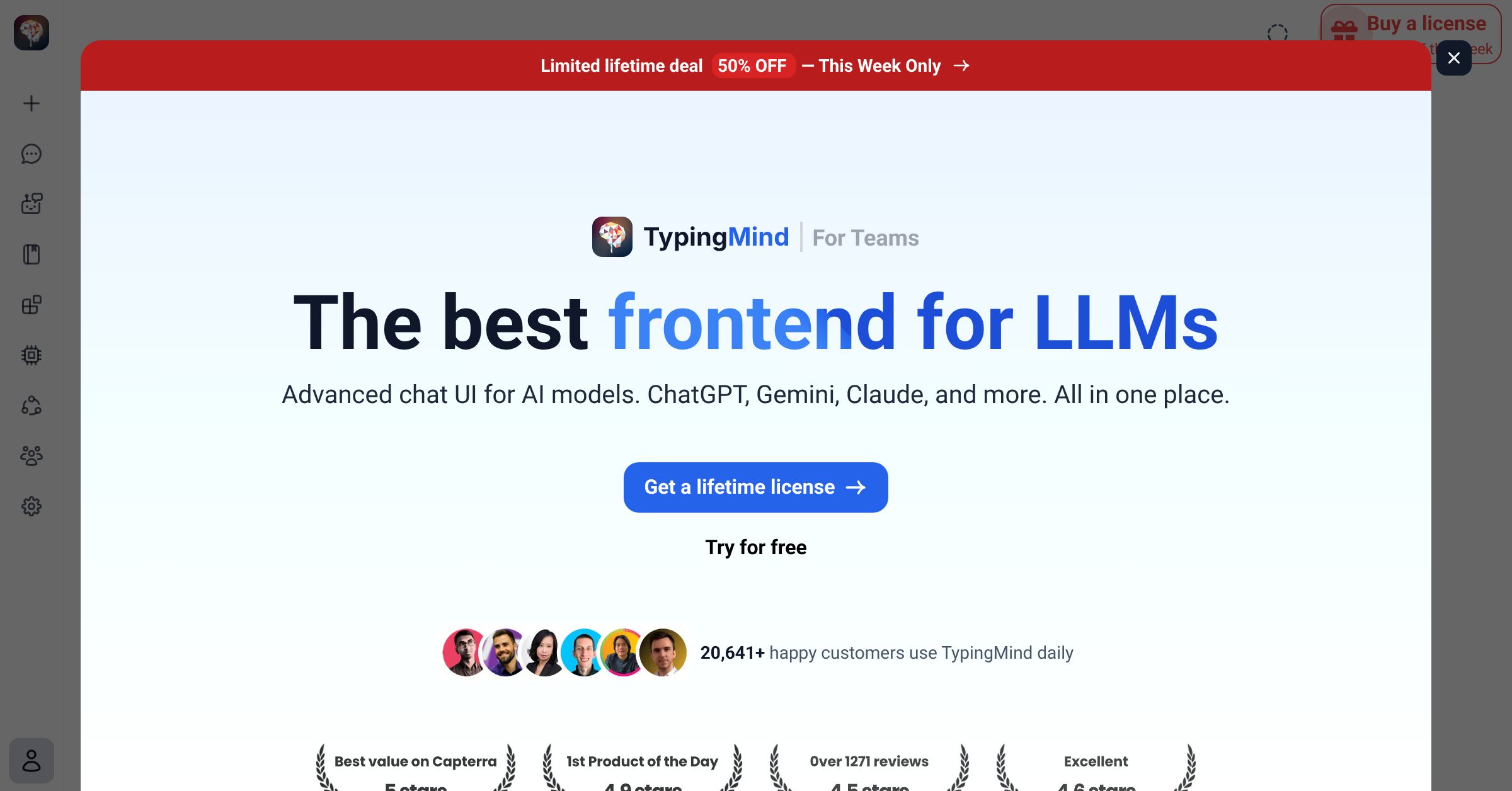
TypingMind is a sophisticated frontend chat user interface designed specifically for interacting with various AI models, including prominent platforms such as ChatGPT, Gemini, and Claude. Its primary function is to streamline communications with AI by allowing users to connect directly using their API keys, thus facilitating a tailored chat experience while only charging for what is utilized. This tool is positioned as essential for anyone seeking to engage with large language models (LLMs) without the need for extensive technical knowledge or additional overhead.
Who it's for
What TypingMind can do
8 capabilities, verified from the product.
- Supports multiple AI models including ChatGPT and Claude
- Facilitates easy integration with API keys
- Pay-as-you-go pricing model
- Intuitive user interface for seamless interaction
- Real-time chatting capabilities with LLMs
- Customizable settings for individual user preferences
- Multiple session management for improved workflows
- Access to advanced features as needed
Jobs people hire it for
- 01Integrate AI chat functionality into existing applications
- 02Conduct customer service conversations with AI support
- 03Prototype AI interactions for product development
- 04Educate users on AI capabilities through conversational practice
- 05Generate content ideas through live brainstorming sessions
Pros & cons
Where it shines
- User-friendly interface that streamlines AI interactions
- Supports multiple high-end AI models for versatility
- Cost-effective payment structure based on usage
- Integration with personal API keys for customized experiences
Where it falls short
- Limited details about advanced features or customizations
- Potential learning curve for new users unfamiliar with APIs
- No specific information on support or community resources
- Pricing details and licensing options are not fully expanded
Pricing
See the official website for current pricing. Pricing can change — always confirm on the vendor's site.
Frequently asked about TypingMind
What AI models does TypingMind support?
TypingMind supports several leading AI models, including ChatGPT, Gemini, and Claude, allowing users to interact with these models seamlessly.
How does TypingMind charge for usage?
TypingMind operates on a pay-as-you-go pricing model, which means users only pay for what they actually utilize during their interactions with the AI.
Can I customize TypingMind to fit my needs?
Yes, TypingMind allows various customizations within its settings to enhance individual user preferences, although detailed options are not extensively described on the website.
Do I need technical expertise to use TypingMind?
TypingMind is designed with a user-friendly interface, minimizing the need for extensive technical expertise. However, integrating API keys may still require some familiarity with API usage.
Is there support available if I encounter issues?
The website does not provide specific information about support or community resources, which may limit assistance for users facing difficulties.
Can TypingMind be used for customer service interactions?
Yes, TypingMind is suitable for facilitating customer service conversations, allowing businesses to harness AI support for improved engagement.
What is the process to get started with TypingMind?
To get started with TypingMind, users would need to purchase a license, although specific details on acquiring this license are not provided on the website.
Is there a free version of TypingMind?
The website does not mention a free version of TypingMind, indicating that inquiries for pricing and licensing are needed.
Ready to try TypingMind?
1,903 people checked it out on the directory — see it in action on the official site.
Keep exploring
Similar tools in Chatbots & Assistants
ChatGPT
OpenAI's conversational AI assistant for writing, analysis, coding, and everyday questions.
Claude
Anthropic's AI assistant known for nuanced reasoning, long documents, and reliable, safe answers.
Perplexity
An AI answer engine that searches the web and responds with cited, up-to-date answers.
 Chatbots & Assistants
ElliQ by Intuition Robotics
The AI care companion robot designed for older adults