
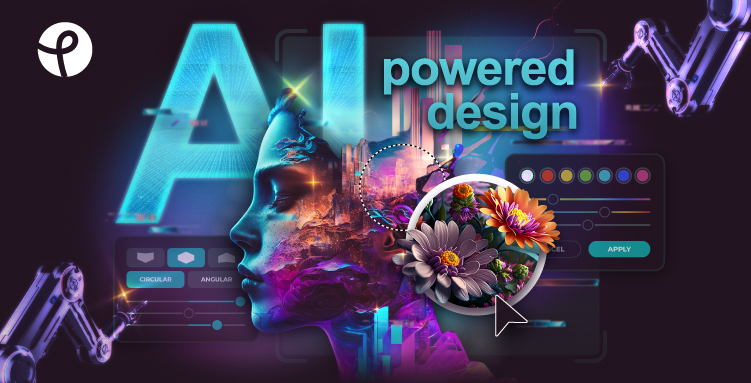
What is Pixlr?
Pixlr is a powerful online tool for editing and generating photos and videos with AI. Users can benefit from a robust suite of features that includes photo enhancements, image generation from text prompts, and AI-assisted editing tools. The platform is designed to be completely accessible from a browser, eliminating the need for downloads or complex installations.
With Pixlr, you can leverage over 20 editing tools, including options for face swapping, background removal, and creating collages. It integrates multiple advanced AI models to provide high-quality results quickly and efficiently. Whether you are a beginner or an experienced editor, Pixlr streamlines the editing process, making it user-friendly and effective for a variety of projects.
The platform is suitable for a wide range of applications from casual photo edits to professional image design. Whether creating social media graphics, marketing materials, or quick touch-ups, Pixlr supports diverse user needs with its innovative, AI-driven capabilities.
Who it's for
What Pixlr can do
8 capabilities, verified from the product.
- AI photo editing tools
- AI image generation from text prompts
- AI video generation
- One-click background removal
- Generative fill and expand
- Face swap functionality
- Online photo collage maker
- AI-assisted editing with natural language commands
Jobs people hire it for
- 01Editing photos for social media
- 02Generating images and videos from text
- 03Creating photo collages for marketing
- 04Professional photo enhancements
- 05Quick background removal and object editing
Pros & cons
Where it shines
- Completely free and accessible in the browser
- User-friendly interface suitable for all skill levels
- Offers powerful AI tools for editing and generation
- No installation required
- Wide range of features comparable to professional tools
Where it falls short
- Some advanced features may require a paid plan
- Limited offline functionality compared to desktop software
- Occasional performance variations depending on web connectivity
Pricing
Free
Free
Robust features available without an account.
Plus
$1.99/month
Includes additional content and features.
Premium
Custom
Ad-free editing and advanced tools for professionals.
Free tier + paid plans starting at $1.99/month Pricing can change — always confirm on the vendor's site.
Frequently asked about Pixlr
What is Pixlr?
Pixlr is a suite of user-friendly online photo editors and design tools that incorporates modern AI features for enhanced image editing capabilities.
Is it free to use Pixlr?
Yes, Pixlr offers a free version with a robust set of features, while also providing premium options for additional content and tools.
How does Pixlr compare to Photoshop?
Pixlr offers a user-friendly, online alternative to Photoshop, providing many of the same powerful editing capabilities without the steep learning curve.
Can I use Pixlr on different devices?
Yes, Pixlr is accessible on various platforms, including web browsers, iOS, and Android devices, enabling editing on the go.
Ready to try Pixlr?
2,448 people checked it out on the directory — see it in action on the official site.
Keep exploring
Similar tools in Image Generation
Midjourney
The image generator artists reach for — stunning, stylized visuals from text prompts.
 Image Generation
Stable Diffusion
The open-source image model you can run, fine-tune, and ship anywhere.
Ideogram
Text-to-image generation that actually nails typography, logos, and text inside images.
 Image Generation
AI Photo Filter
Transform your photos into unique artworks with AI filters.