- Views
- 1,570
- Upvotes
- 191
- Launched
- —
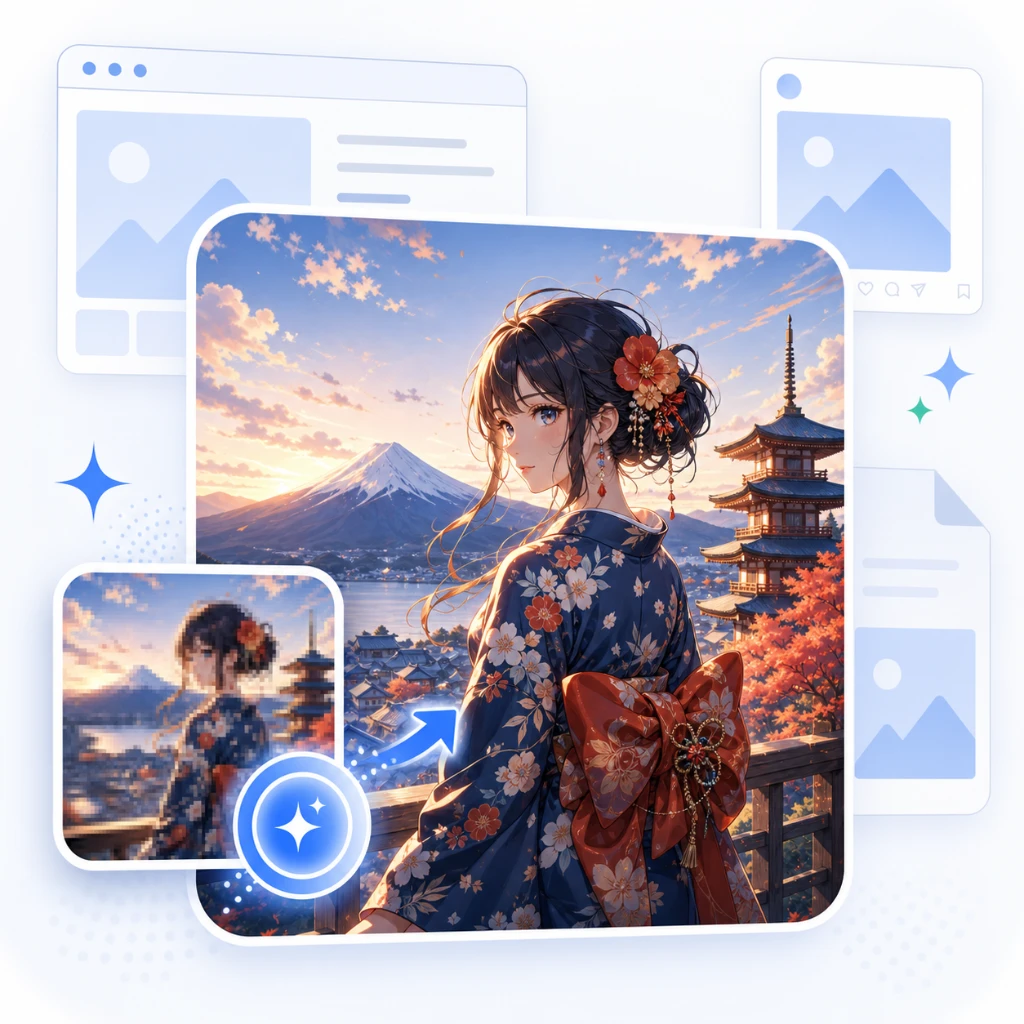
What is ImgUpscaler?
ImgUpscaler is an advanced online AI image upscaler that enhances and enlarges images with precision. Designed to address the common challenge of improving the quality of low-resolution images, it allows users to upscale their photos, product images, anime art, portraits, and old pictures by factors of 2x or 4x. The tool is perfect for creators and businesses alike, as it transforms small, pixelated images into cleaner, high-resolution visuals suitable for web use, presentations, and print materials. By utilizing AI-driven super-resolution technology, ImgUpscaler preserves clarity and detail more effectively than standard resizing, which often results in loss of quality and pixelation.
Who it's for
What ImgUpscaler can do
8 capabilities, verified from the product.
- Supports JPG, PNG, and WebP formats
- Advanced AI super-resolution for image clarity
- Batch processing for multiple images
- 2x and 4x image enlargement options
- Privacy-first processing with automatic image deletion
- Suitable for personal and commercial use
- Simple drag-and-drop interface
- Preview function before downloading images
Jobs people hire it for
- 01Enlarge product images for e-commerce listings
- 02Improve clarity of old family photos
- 03Enhance anime art for digital portfolios
- 04Upgrade low-resolution images for social media posts
- 05Create high-resolution visuals for marketing materials
Pros & cons
Where it shines
- ImgUpscaler employs advanced AI technology to generate sharper and more natural details in upscaled images.
- The straightforward interface allows users to quickly upload images and obtain enhanced versions with minimal effort.
- The batch processing capability significantly reduces repetitive work for users needing to upscale multiple images at once.
- It supports a variety of image formats, catering to diverse user needs for different types of images.
- The tool ensures privacy by automatically deleting uploaded images within 24 hours.
Where it falls short
- The web subscription does not include access to their desktop app, which may limit some users who want offline capabilities.
- Users may find the features of the free tier too limited, potentially necessitating an upgrade for batch processing.
- While effective, the AI upscaler may not resolve all issues related to extreme blurriness or pixelation in every case.
- Some users may experience a learning curve related to effectively utilizing batch processing and selecting the right upscale ratio.
- The final output quality may vary depending on the original image resolution and the extent of enlargement.
Pricing
Free
null
Single-image upscaling with basic features.
Paid
null
Batch processing and additional features unlocked.
Free tier available; paid plans for batch processing and additional features Pricing can change — always confirm on the vendor's site.
Frequently asked about ImgUpscaler
What is ImgUpscaler?
ImgUpscaler is an online AI image upscaler designed to enlarge and enhance images by 2x or 4x, specifically targeting photos, anime artwork, product images, portraits, and older visuals that require higher quality resolution.
How does an AI image upscaler work?
ImgUpscaler utilizes AI super-resolution technology to analyze the input image and intelligently enhance its details, edges, and textures during the enlargement process, producing a higher-quality version of the original.
How do I upscale an image online?
To upscale an image using ImgUpscaler, upload your JPG, PNG, or WebP file, choose either the 2x or 4x upscale option, then preview the enhanced image before downloading the final result.
Can I upscale an image to 4K?
The service does not explicitly provide the option to upscale images directly to 4K resolution, but users can enlarge images by 2x or 4x, potentially reaching higher resolutions depending on the base image quality.
What is the difference between an image upscaler and an image enhancer?
An image upscaler specifically focuses on increasing the physical dimensions of an image while maintaining or improving the quality, whereas an image enhancer may apply various filters or adjustments to improve the overall aesthetics without necessarily enlarging the image.
Does AI upscaling fix blurry images?
AI upscaling can improve blurry images by enhancing their details, but results may vary, and extremely blurred images might not achieve the desired clarity.
What image formats does ImgUpscaler support?
ImgUpscaler supports common image formats including JPG, PNG, and WebP, allowing for a range of file types to be uploaded and processed.
Can I upscale multiple images at once?
Yes, the paid plans of ImgUpscaler include batch processing capabilities, enabling users to upscale multiple images simultaneously without the need for repeated uploads.
Are my uploaded images private?
Yes, ImgUpscaler prioritizes user privacy by automatically deleting uploaded images and generated results within 24 hours.
Can I use upscaled images commercially?
Yes, images processed with ImgUpscaler can be used for both personal and commercial projects, including marketing, e-commerce listings, and creative production.
Ready to try ImgUpscaler?
1,570 people checked it out on the directory — see it in action on the official site.
Keep exploring
Similar tools in Image Generation
Midjourney
The image generator artists reach for — stunning, stylized visuals from text prompts.
 Image Generation
Stable Diffusion
The open-source image model you can run, fine-tune, and ship anywhere.
Ideogram
Text-to-image generation that actually nails typography, logos, and text inside images.
 Image Generation
AI Photo Filter
Transform your photos into unique artworks with AI filters.