- Views
- 1,823
- Upvotes
- 109
- Launched
- —
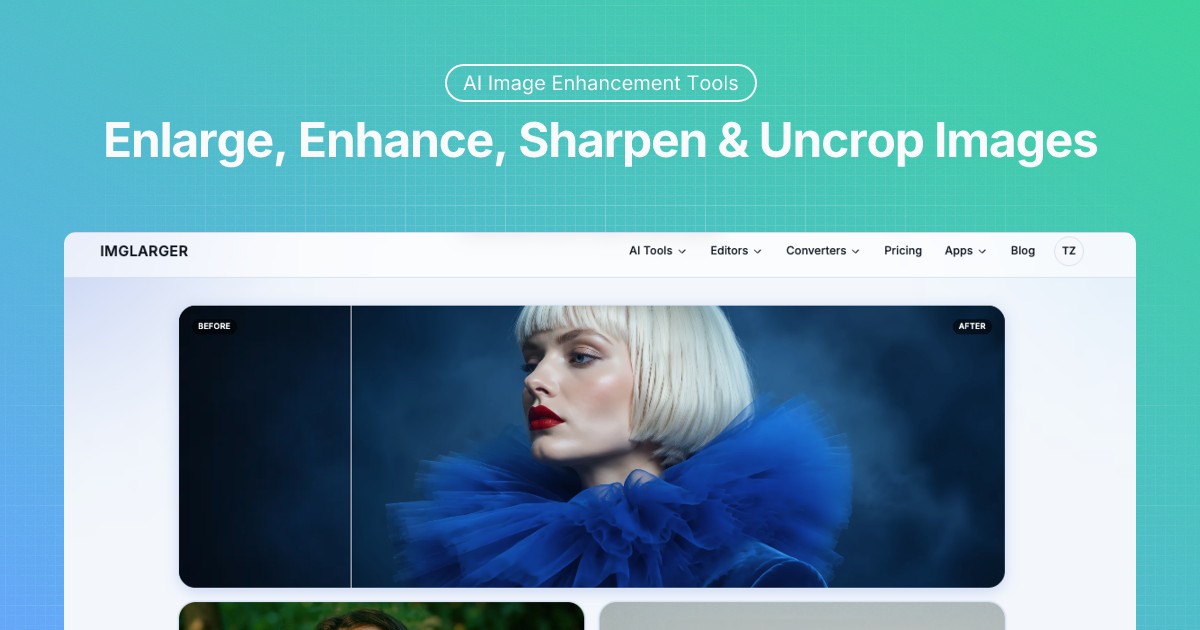
What is Imglarger?
Imglarger provides a suite of online tools aimed at enhancing, enlarging, and converting images. Users can upscale images by 2x, 4x, or even 8x while preserving the original structure and detail using advanced AI algorithms. The platform also allows users to enhance blurry or low-quality photos, restoring texture and visual clarity.
In addition to image enhancement, Imglarger offers an AI Image Extender to uncrop images, allowing for background expansion and changing aspect ratios without compromising quality. Users can also utilize the background remover for quick and accurate background extraction in seconds, which is ideal for product and portrait photography.
The tool also features a variety of image editing capabilities, including cropping, resizing, and applying filters, along with a simple image conversion system that supports various formats such as JPG, PNG, WEBP, and more. Imglarger promises quick, reliable performance with a user-friendly experience.
Who it's for
What Imglarger can do
7 capabilities, verified from the product.
- Upscale images by 2x, 4x, or 8x using AI
- Enhance blurry or low-quality photos
- Remove backgrounds accurately
- Convert images between multiple formats
- Edit images with cropping and filters
- Batch processing for multiple images
- Preserves image structure and detail during enhancement
Jobs people hire it for
- 01Enhancing image quality for photographers
- 02Upscaling low-definition images for better clarity
- 03Removing image backgrounds for product photos
- 04Converting image formats for design work
- 05Restoring old photos to improved quality
Pros & cons
Where it shines
- High-quality image enhancement
- Fast processing with no installation required
- Supports a wide range of image formats
- User-friendly interface
- Accurate background removal capabilities
Where it falls short
- Limited customization for upscaling
- Max image size limits for free users
- Free tier has restrictions on features
- Some advanced features may require subscription
Pricing
Free tier + Paid options available for premium features Pricing can change — always confirm on the vendor's site.
Frequently asked about Imglarger
What can we do with AI Image Enlarger?
Imglarger is an AI photo enhancer that improves the overall quality of photos, allowing users to enlarge images up to 8k, sharpen blurry parts, reduce noise, retouch faces, and convert images.
How does Imglarger maintain the quality of enlarged Images?
Imglarger uses advanced AI algorithms to intelligently analyze content, preserving the original image's sharpness and clarity during the enlargement process.
Can I remove backgrounds from photos with Imglarger?
Yes, you can remove backgrounds using Illglarger's AI Background Remover tool, which accurately extracts backgrounds in seconds.
Is it possible to enhance photo quality on my iPhone?
Yes, by downloading Imglarger's PhotoAI app, you can enhance your photos on your iPhone, with various functions to increase image resolution.
Ready to try Imglarger?
1,823 people checked it out on the directory — see it in action on the official site.
Keep exploring
Similar tools in Image Generation
Midjourney
The image generator artists reach for — stunning, stylized visuals from text prompts.
 Image Generation
Stable Diffusion
The open-source image model you can run, fine-tune, and ship anywhere.
Ideogram
Text-to-image generation that actually nails typography, logos, and text inside images.
 Image Generation
AI Photo Filter
Transform your photos into unique artworks with AI filters.