Browser Cloud
Scalable browser infrastructure for AI agents with real Chrome at scale.
What is Browser Cloud?
Browser Cloud is an advanced and scalable browser infrastructure specifically designed for AI agents, engineered to deliver seamless access to real Chrome instances at massive scale. It addresses the challenges of traditional web automation tools which often struggle with session persistence, stealth requirements, and seamless integration with various web environments. By offering built-in features such as stealth mode, session persistence, and geo proxies, Browser Cloud facilitates efficient and uninterrupted operations for AI agents, allowing them to perform web-based tasks with reliability and speed.
The core workflow of Browser Cloud involves a completely managed environment where AI agents can operate thousands of browser sessions without the hassle of provisioning or infrastructure headaches. Users can quickly spin up hundreds of browser sessions instantaneously, benefitting from sub-second starts and up to 24-hour session durations. This capability is crucial for enterprises or teams that need to scale their operations quickly based on demand. Furthermore, the platform ensures persistent login states across sessions, meaning that once an agent logs in, it can resume its tasks without the need for repeated authentication. This smooth session handling is enhanced by the proprietary TestMu AI Tunnel, allowing agents to reach applications hosted on localhost or behind a VPN without requiring complex setups.
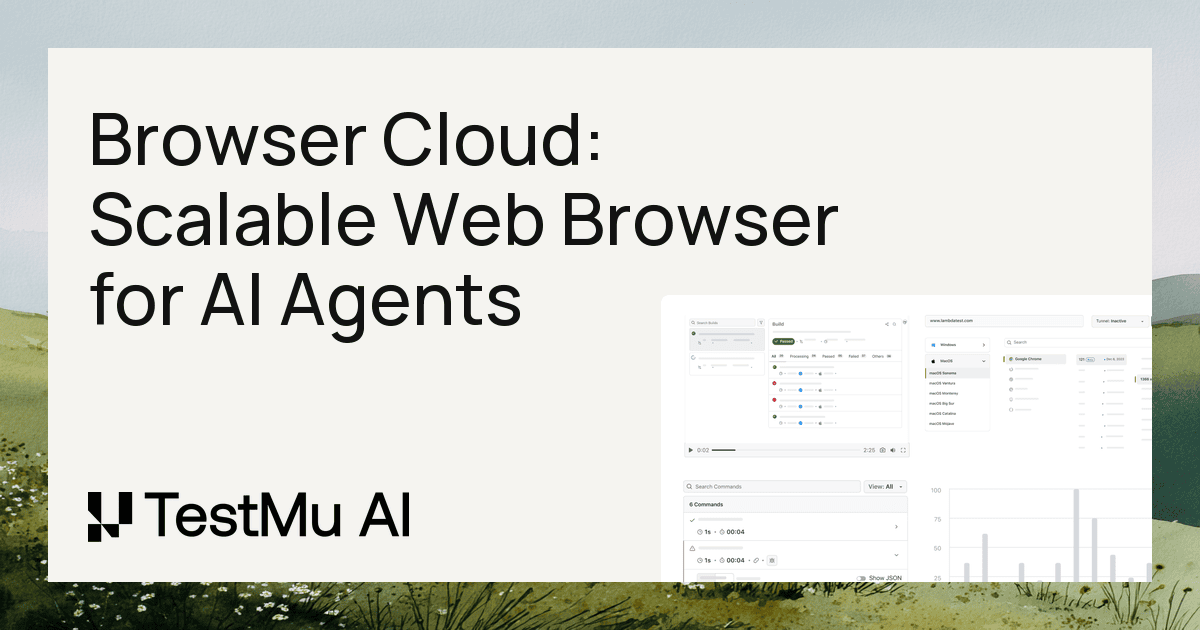
The standout capabilities of Browser Cloud are extensive. Its stealth mode incorporates advanced techniques such as fingerprint masking, CAPTCHA solving, and ad-blocking, enabling smoother interactions with websites and reducing the likelihood of being blocked. Furthermore, agents operate on an infrastructure that supports major frameworks like Playwright, Puppeteer, and Selenium, allowing developers to harness existing code without extensive rewrites. With in-depth observability features, including live view, video replay, and comprehensive logging—covering network processes and console output—teams can debug efficiently and gain insights into the behavior of their agents in real-time.
Browser Cloud caters primarily to developers and organizations involved in QA automation, competitive intelligence, and AI model training. Typical scenarios might include automating complex web workflows, scraping structured data from single-page applications, or executing extensive testing against real browsers to carry out a variety of scenarios such as monitoring price changes or ensuring a consistent user experience across various locales. With its ability to handle multi-step workflows and provide seamless session continuity, Browser Cloud stands out as an ideal choice for those needing robust web automation solutions.
In its competitive landscape, Browser Cloud distinguishes itself from other cloud browser services by offering features that extend beyond simple browsing arrangements. Many existing solutions lack the operational support and capabilities that Browser Cloud promises, such as built-in session persistence, transparency in session state management, and direct connections to localhost or VPN-protected environments. This positions Browser Cloud as a comprehensive toolkit for modern AI-driven web applications, capable of serving complex and demanding use-cases.
Nonetheless, potential users should be aware of certain limitations. While Browser Cloud employs best-effort techniques to maintain stealth during web interactions, there are no guarantees against detection by sophisticated sites. Furthermore, users entering into AI agent development should familiarize themselves with the operation of the various supported automation frameworks to leverage the full potential of Browser Cloud. The pricing model, although appear affordable at a starting point, may increase significantly depending on the user's needs and the potential requirements of enterprise-grade support. As such, consideration of both immediate and long-term needs is essential when adopting this tool.
Who it's for
Works with
What Browser Cloud can do
13 capabilities, verified from the product.
- Real Chrome sessions for automation
- Built-in stealth mode for reduced blocking
- Session persistence across multiple sessions
- Instant spin-up of hundreds of browser instances
- Comprehensive logging and observability features
- Tunnel for local app access
- Supports Playwright, Puppeteer, and Selenium
- Multistep workflow automation capabilities
- Geo-launch requests from 180+ locations
- Network throttling for realistic testing
- Live view and video replays for debugging
- Integration with CI/CD tools
- Advanced data retention options
Jobs people hire it for
- 01Automate complex web workflows for testing
- 02Scrape structured data from dynamic websites
- 03Monitor pricing and inventory across competitors
- 04Facilitate AI model training using real rendered data
- 05Execute QA automation against real browser sessions
Pros & cons
Where it shines
- Browser Cloud allows for real, full-featured Chrome sessions instead of mere simulations, providing richer context for agents.
- The sub-second browser session spin-up is unparalleled, enabling rapid scaling without downtime.
- Persistent session states mean agents can operate continuously without re-authenticating, making automation more efficient.
- Comprehensive observability features expedite debugging and improve confidence in deployment.
- Dynamic tunneling allows direct access to internal resources, a rare feature in most browser clouds.
Where it falls short
- Best-effort stealth mode does not guarantee against blocking by sophisticated anti-bot mechanisms.
- Users will need familiarity with either Puppeteer, Playwright, or Selenium for optimal use, which can present a learning curve.
- The initial free tier is limited in capacity and may not meet the needs of larger projects without upgraded plans.
- Pricing may become a consideration as needs scale, particularly for enterprise solutions requiring custom support.
- Performance may vary based on the user's specific setup or use case, especially under high loads or unique configurations.
Pricing
Free
$0
Access to 100 minutes of web automation testing forever.
Browser Cloud
$29
Unlimited access to all browser automation features, billed annually.
Enterprise
Contact Sales
Custom solutions with enterprise-grade features and support.
Free forever tier + $29/month for advanced features Pricing can change — always confirm on the vendor's site.
Frequently asked about Browser Cloud
What is Browser Cloud?
Browser Cloud is a scalable browser infrastructure for AI agents by TestMu AI. It provides robust, real Chrome sessions on demand, with essential features like session persistence, stealth mode, and built-in tunneling, allowing agents to efficiently operate on the live web.
Is Browser Cloud a cloud browser for AI agents?
Yes, Browser Cloud is specifically designed for AI agents to control real cloud Chrome instances programmatically. This setup ensures that agents can process JavaScript and interact with live web content as a typical user would.
How does Browser Cloud differ from a self-managed headless browser?
Unlike a self-managed headless browser setup, which involves provisioning and maintenance, Browser Cloud automates these processes with built-in session management and tunnel capabilities, while allowing users to maintain existing code without the need for complex infrastructure.
Can agents reach localhost or private apps?
Absolutely. Browser Cloud features a built-in tunnel that enables agents to access applications hosted on localhost, internal dashboards, or behind VPNs without needing external tunneling services.
How do agents avoid getting blocked?
Browser Cloud's stealth mode is designed to reduce the likelihood of being blocked through fingerprint masking, CAPTCHA solving, and ad-blocking. While it offers this functionality, it does not promise complete anonymity or undetectability.
Which frameworks and AI agents work with Browser Cloud?
Browser Cloud supports several frameworks, including Playwright, Puppeteer, and Selenium, along with major AI agents like Claude, Cursor, Gemini, and OpenAI Computer Use, allowing a flexible integration for diverse use cases.
How do I debug an agent run effectively?
Debugging is facilitated through automatic capturing of various session data, including video, network logs, and console outputs. This allows users to analyze failures through exact command replay instead of guesswork.
How much does Browser Cloud cost?
Browser Cloud offers a Free Forever plan alongside a Browser Cloud plan at $29 per month when billed annually. For enterprise solutions, custom pricing is available, tailored to specific business needs.
Ready to try Browser Cloud?
2,019 people checked it out on the directory — see it in action on the official site.
Keep exploring
Similar tools in Coding & DevTools
 Coding & DevTools
Cursor
The AI-first code editor — chat with your codebase and let agents write multi-file changes.
 Coding & DevTools
GitHub Copilot
Your AI pair programmer — code completions, chat, and agents inside your editor.
 Coding & DevTools
v0
Vercel's AI that turns prompts into production-ready React and Next.js UI.
 Coding & DevTools
E2B
The Enterprise AI Agent Cloud for secure AI workflows